GPT Image 2.5 AI छवि जनरेटर
फोटोरियल गुणवत्ता, सटीक टेक्स्ट और पिक्सेल-स्तरीय संपादन
- साफ़ टेक्स्ट
- फोटोरियलिस्टिक
- 4K तक
- शैली बताएं: फोटो, पोस्टर, 3D, चित्रण।
- जो सटीक टेक्स्ट चाहिए उसे उद्धरण चिह्न में रखें।
- फोटोरियलिस्टिक परिणामों के लिए प्रकाश और लेंस का वर्णन करें।
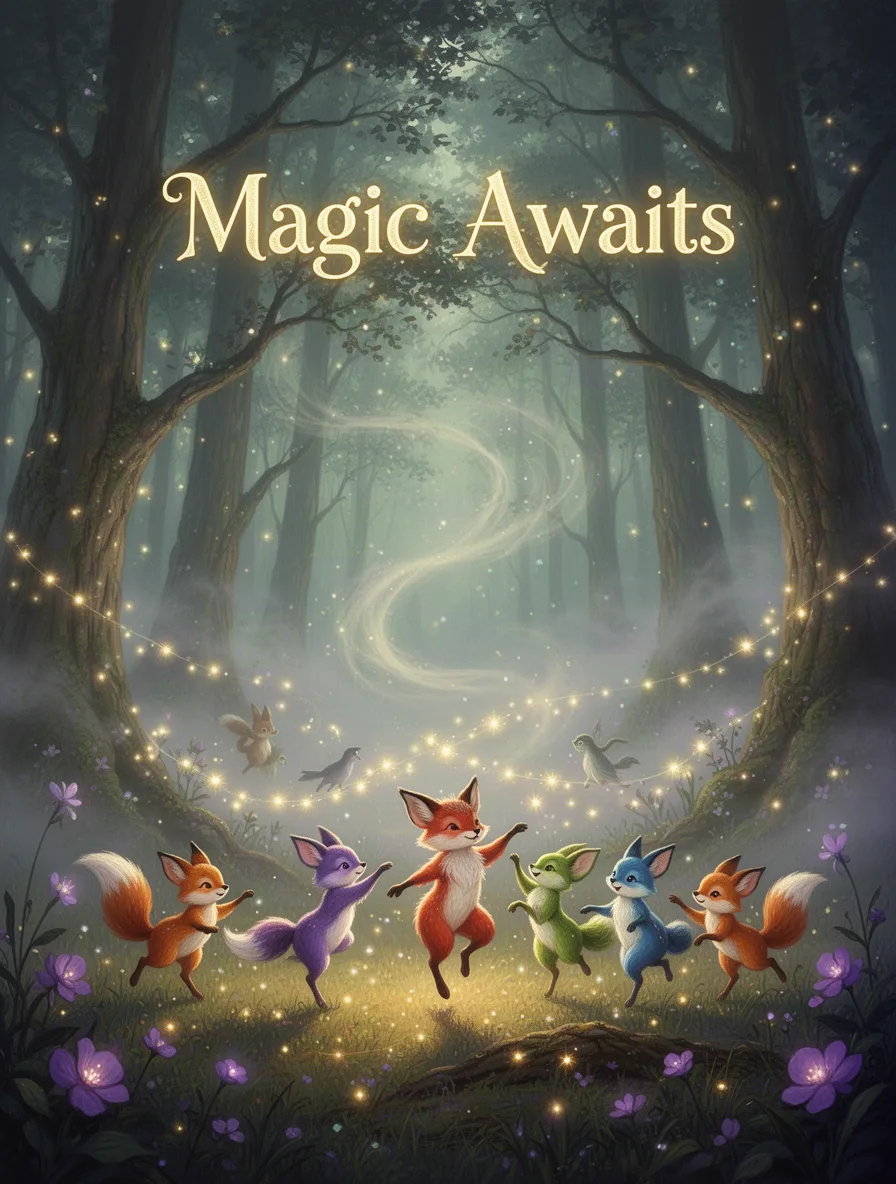
A mystical forest scene with glowing trees and soft, swirling fog. In the foreground, colorful woodland creatures dance under shimmering fairy lights. The headline 'Magic Awaits' hovers above. Style: whimsical fantasy. Lighting: ethereal and gentle. Lens: wide-angle. Color palette: greens, purples, and golds.
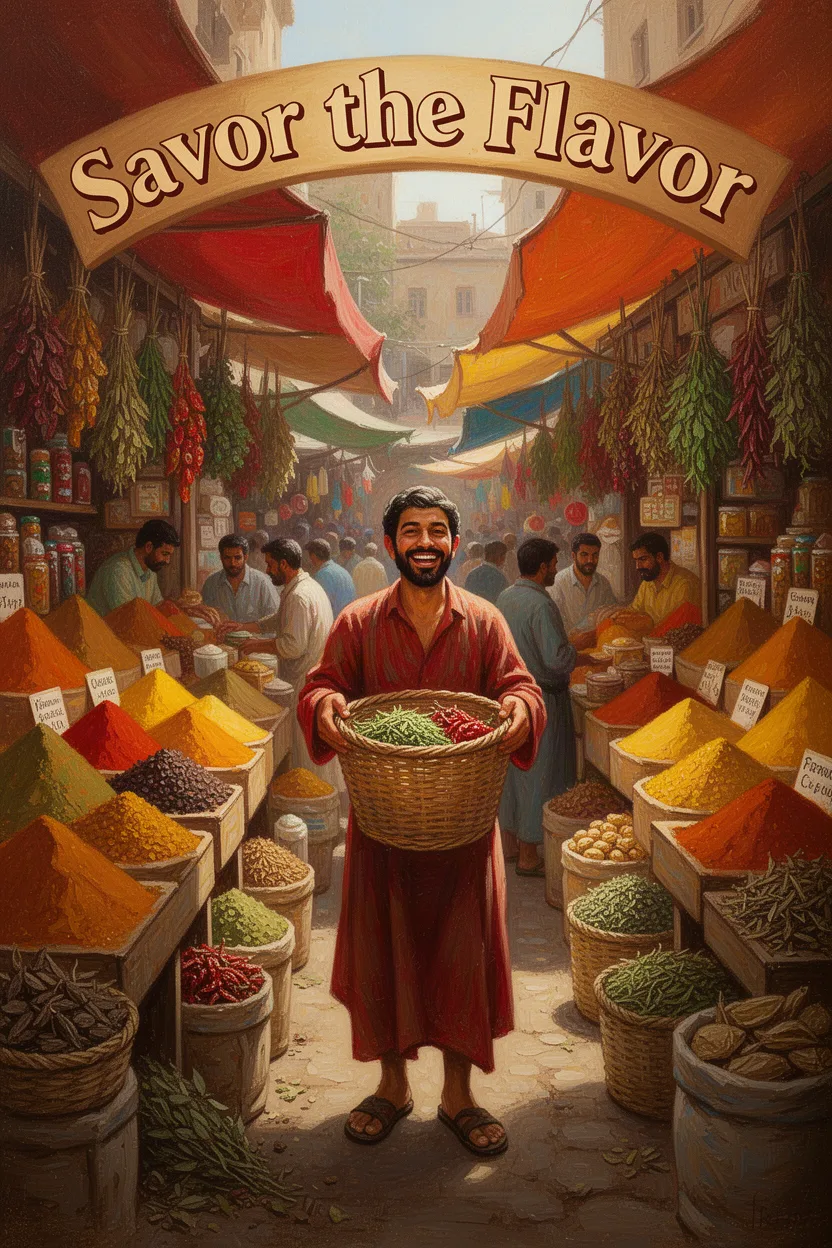
A bustling spice market with vibrant stalls overflowing with colorful spices and herbs. A central figure holds a woven basket with a joyful expression. The headline 'Savor the Flavor' arches above. Style: warm and inviting. Lighting: natural sunlight. Medium: oil painting. Color palette: reds, oranges, yellows.
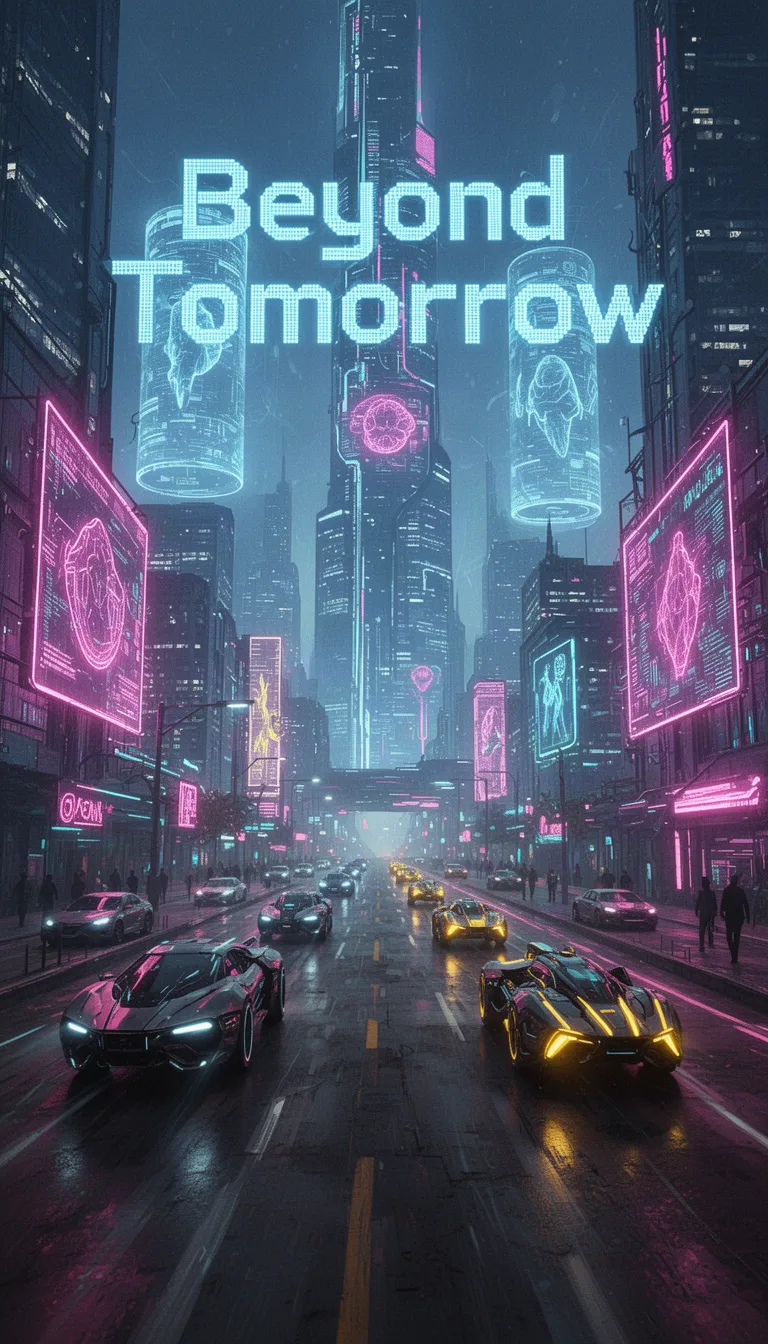
A neon-lit cityscape bustling with futuristic vehicles and towering holograms. The headline 'Beyond Tomorrow' is emblazoned in digital font. Setting: urban future. Style: cyberpunk. Lighting: neon and fluorescence. Medium: digital collage. Color palette: electric blues, neon pinks, and glowing yellows.
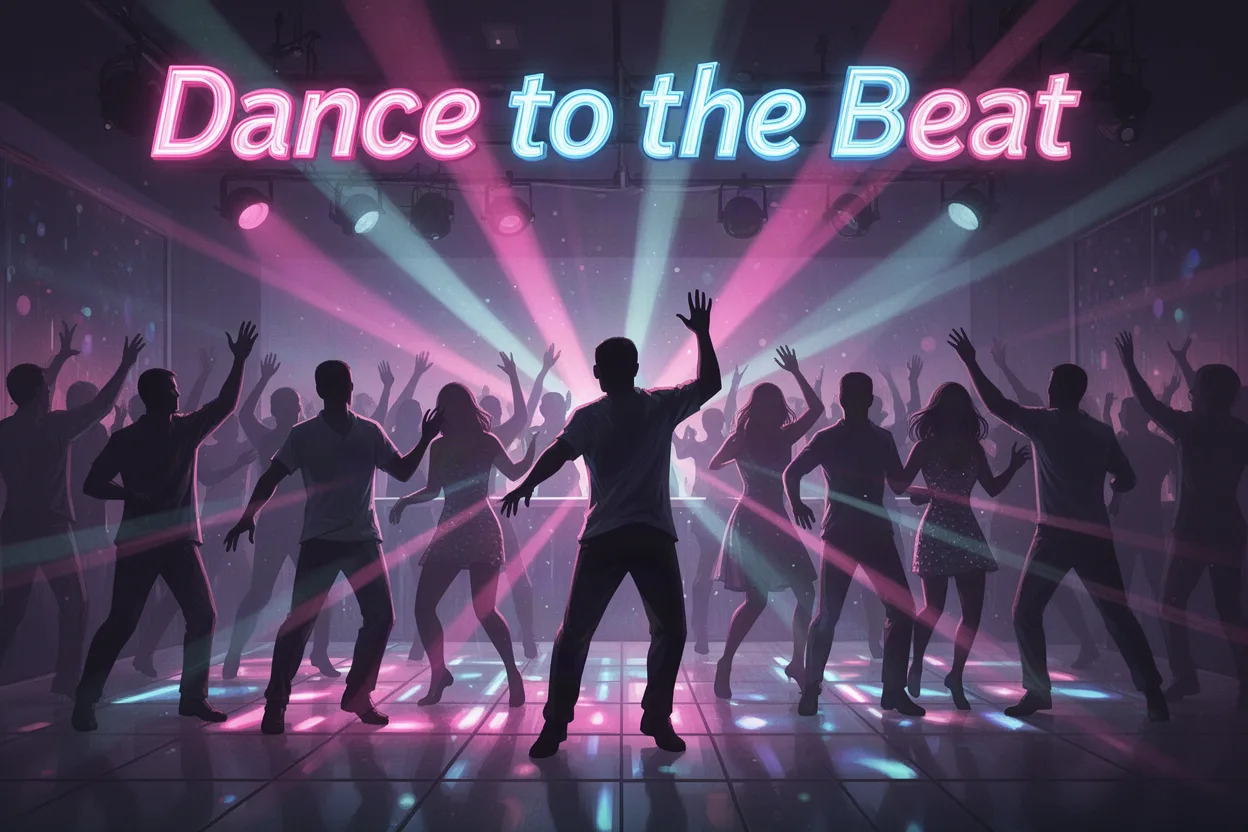
A lively dance floor filled with silhouettes moving to the beat under colorful strobe lights. The headline 'Dance to the Beat' vibrates at the top. Setting: nightclub. Style: dynamic and energetic. Lighting: vibrant and pulsing. Medium: digital illustration. Color palette: neon pinks, blues, and purples.
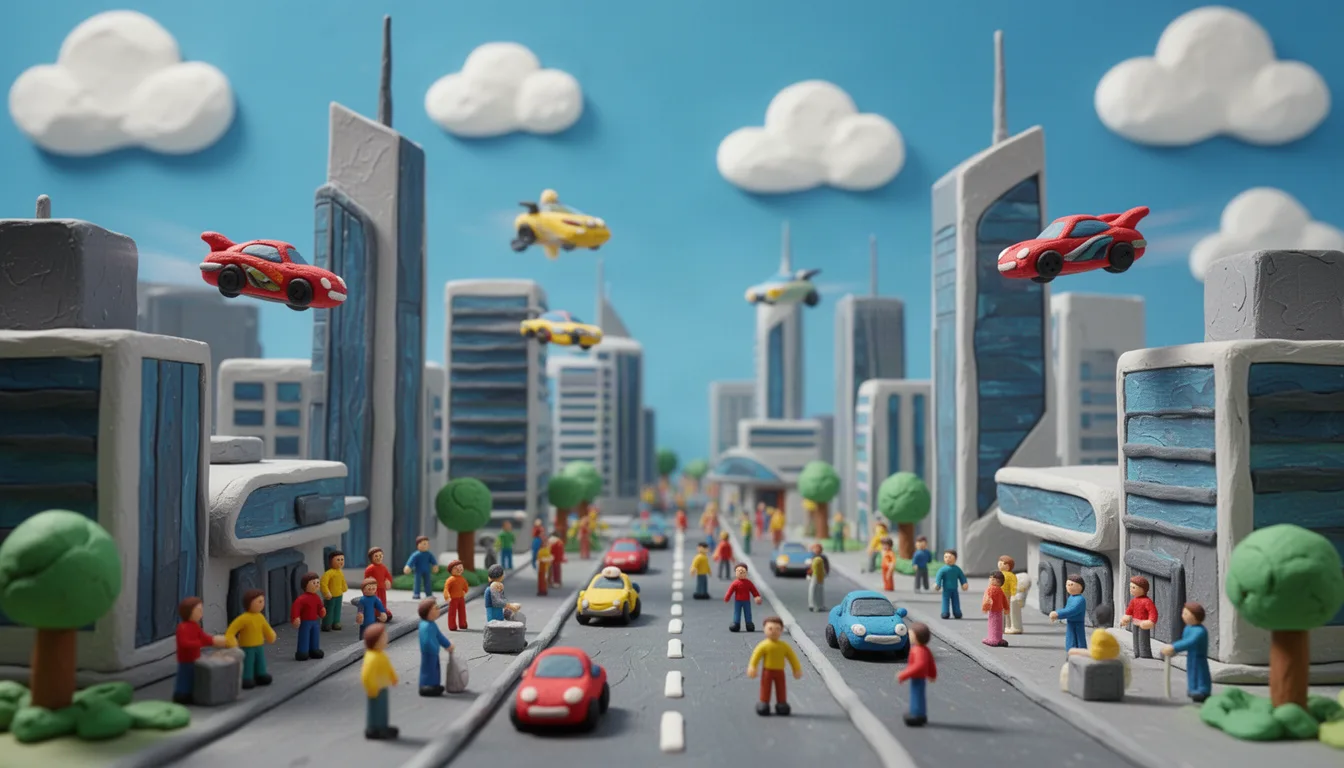
Toy-like scene of a futuristic city crafted from clay, featuring sleek buildings, flying cars, and tiny clay people. The scene is lively and bustling, set under a bright blue sky with fluffy clouds. Bold, cheerful colors bring the city to life.
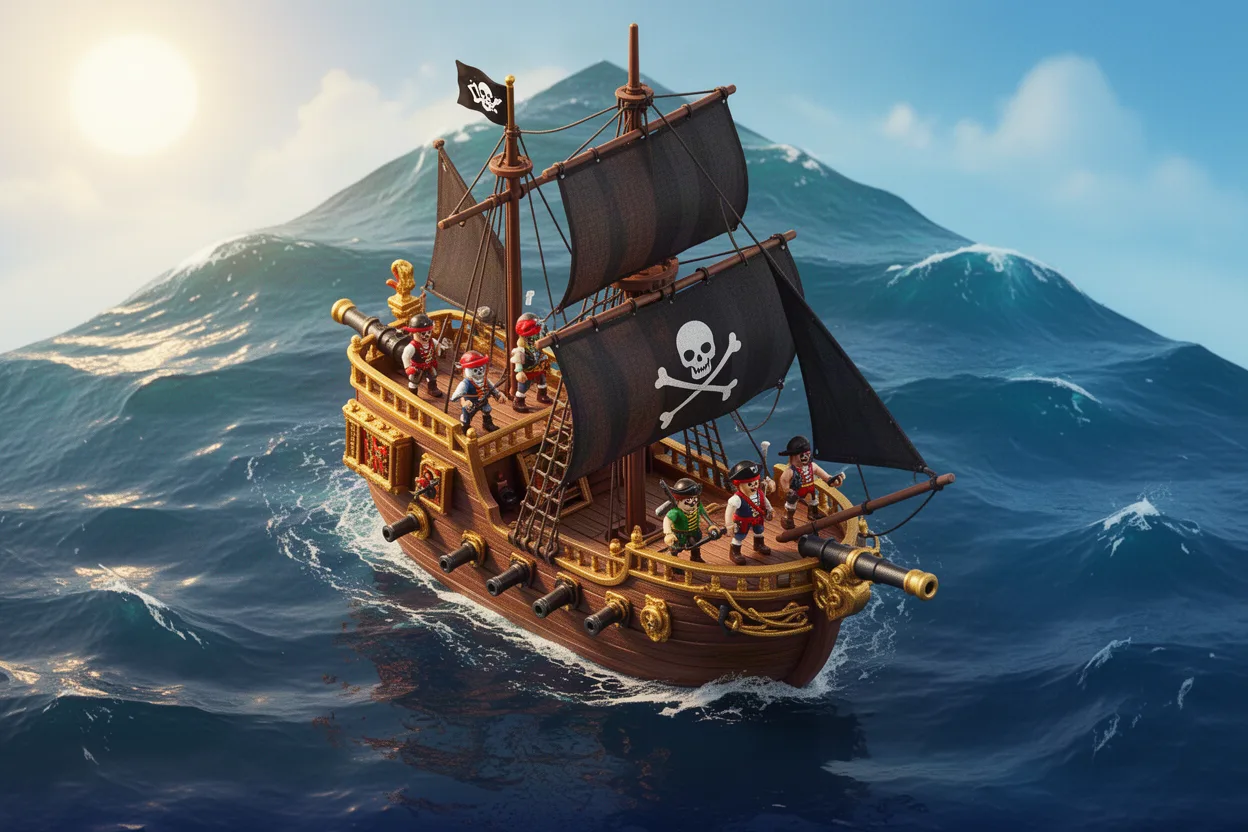
Isometric view of a pirate ship on the high seas, complete with sails, cannons, and a playful crew of toy-like pirates. The ocean is stylized with gentle waves under a bright sunny sky. The palette includes deep blues and fiery gold.
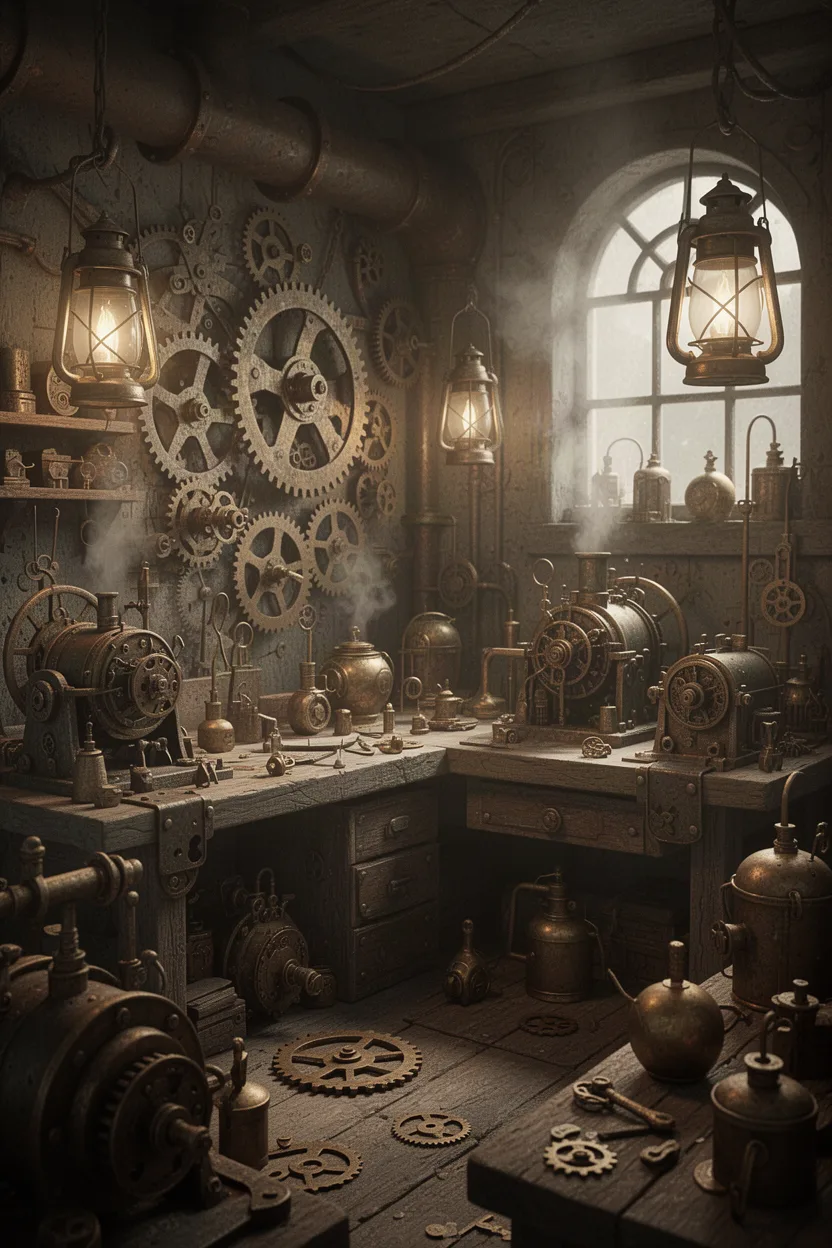
A detailed 3D scene of a steampunk workshop, filled with intricate gears, steam-powered machines, and brass gadgets. The setting is cluttered yet organized, with soft glowing lanterns providing ambient lighting. The color scheme includes aged metals and sepia tones.
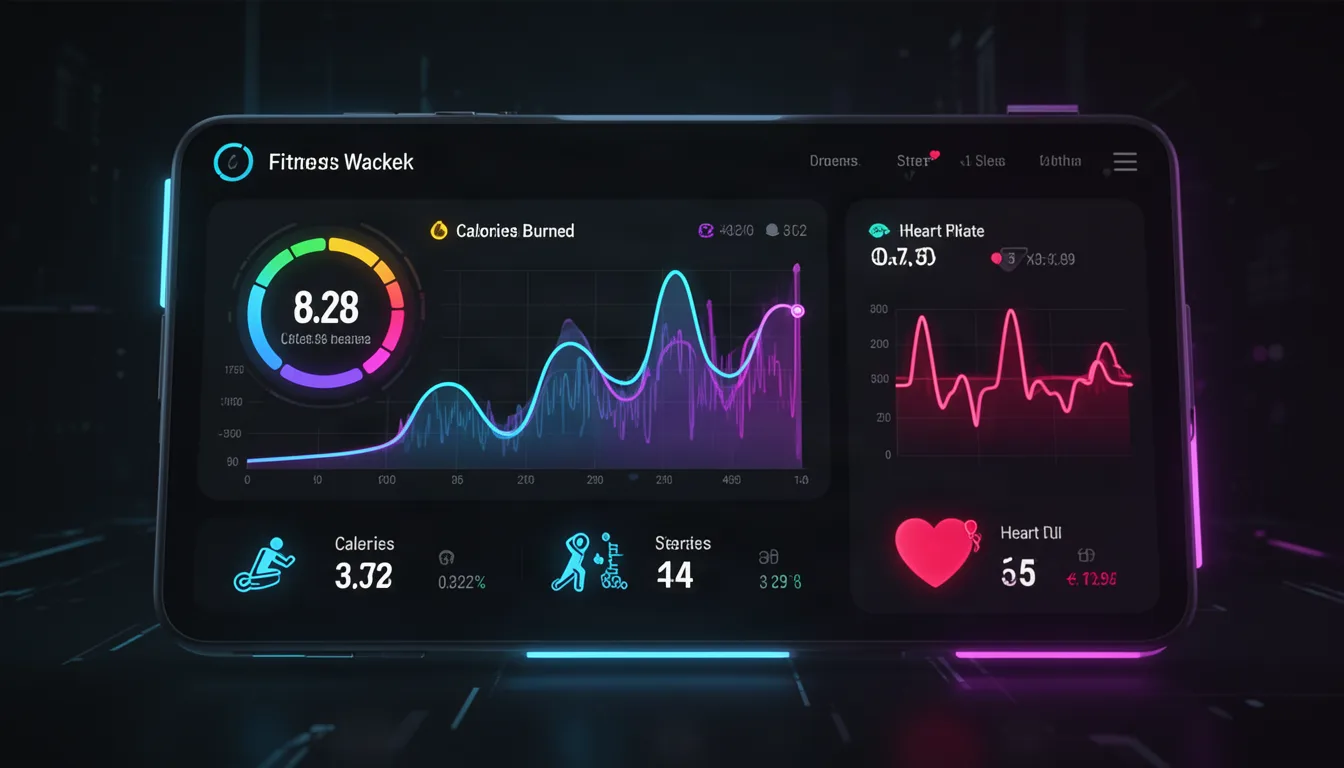
A sleek and modern fitness tracker app dashboard featuring vibrant graphs and minimalistic icons. The screen displays calories burned, steps taken, and heart rate, with a clean interface. Bright neon accents contrast against a dark background, designed for a health-conscious audience. Futuristic UI style with smooth transitions.
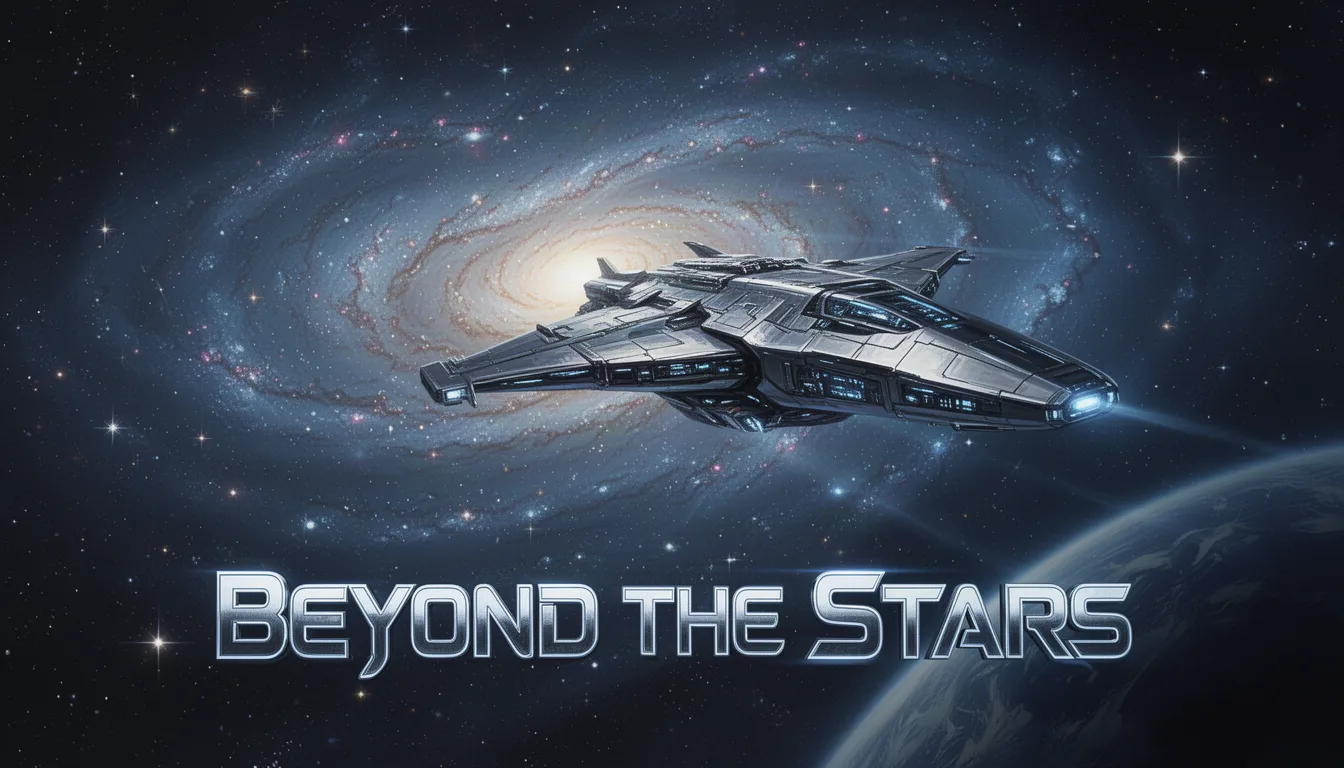
A futuristic spaceship glides past a distant galaxy, its sleek design reflecting the twinkling stars. Below, the text 'Beyond the Stars' in bold, stylized letters. Setting: outer space. Style: sci-fi realism. Lighting: cosmic glow. Medium: digital painting. Color palette: deep blues, silvers, and blacks.
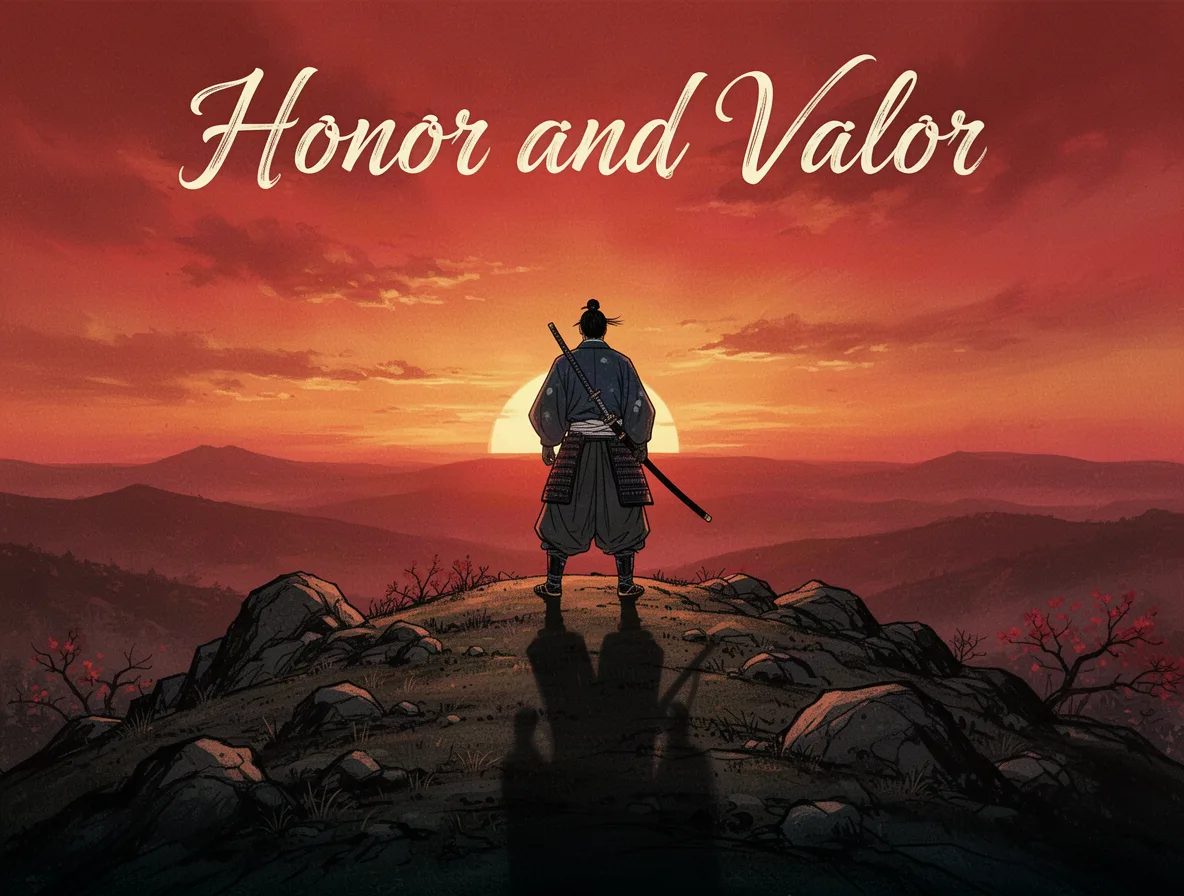
A lone samurai stands on a rocky hilltop, gazing into the horizon at sunset. His shadow stretches long across the ground. The headline 'Honor and Valor' in elegant script at the top. Style: traditional Japanese. Lighting: dramatic sunset. Lens: telephoto. Color palette: reds, oranges, and blacks.
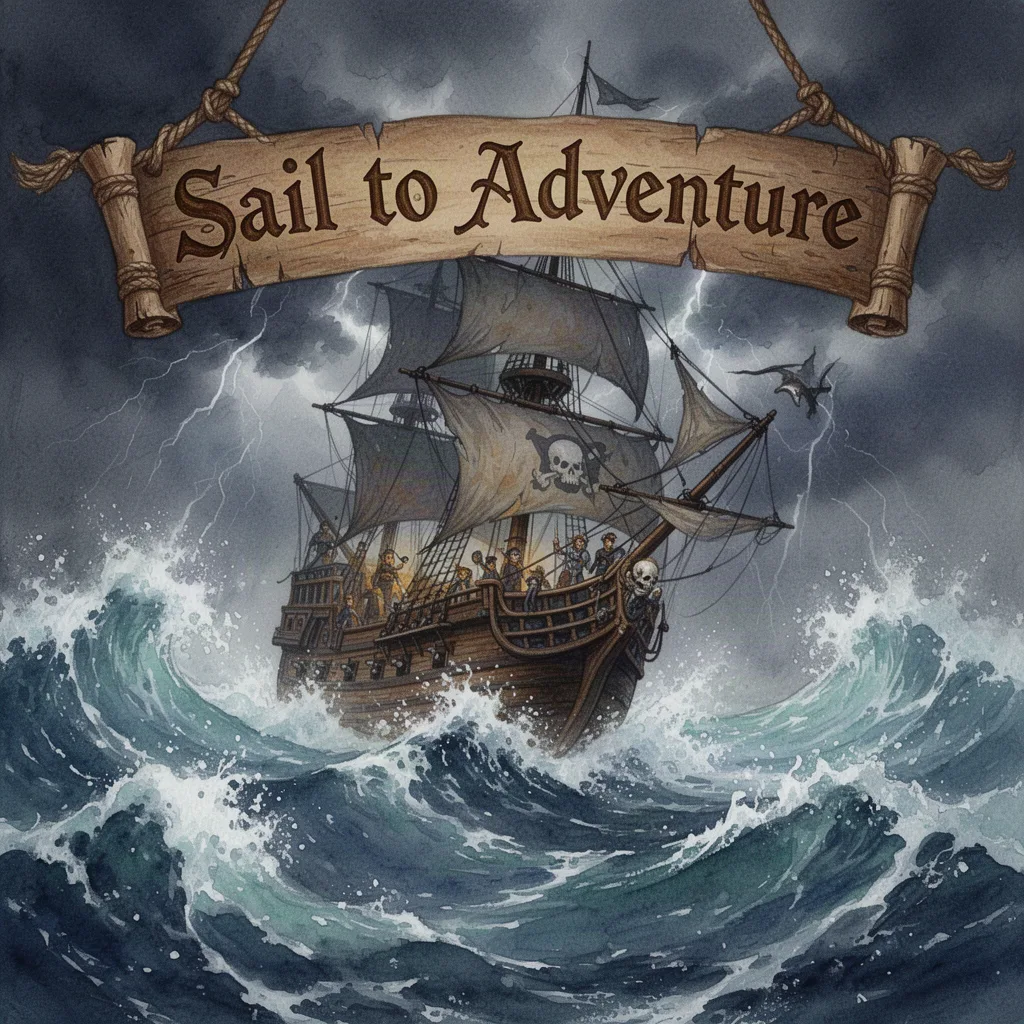
An adventurous pirate ship battles fierce ocean waves under a stormy sky. The headline 'Sail to Adventure' is carved into a wooden banner. Style: swashbuckling fantasy. Lighting: stormy and tumultuous. Medium: watercolor. Color palette: deep blues, grays, and browns.
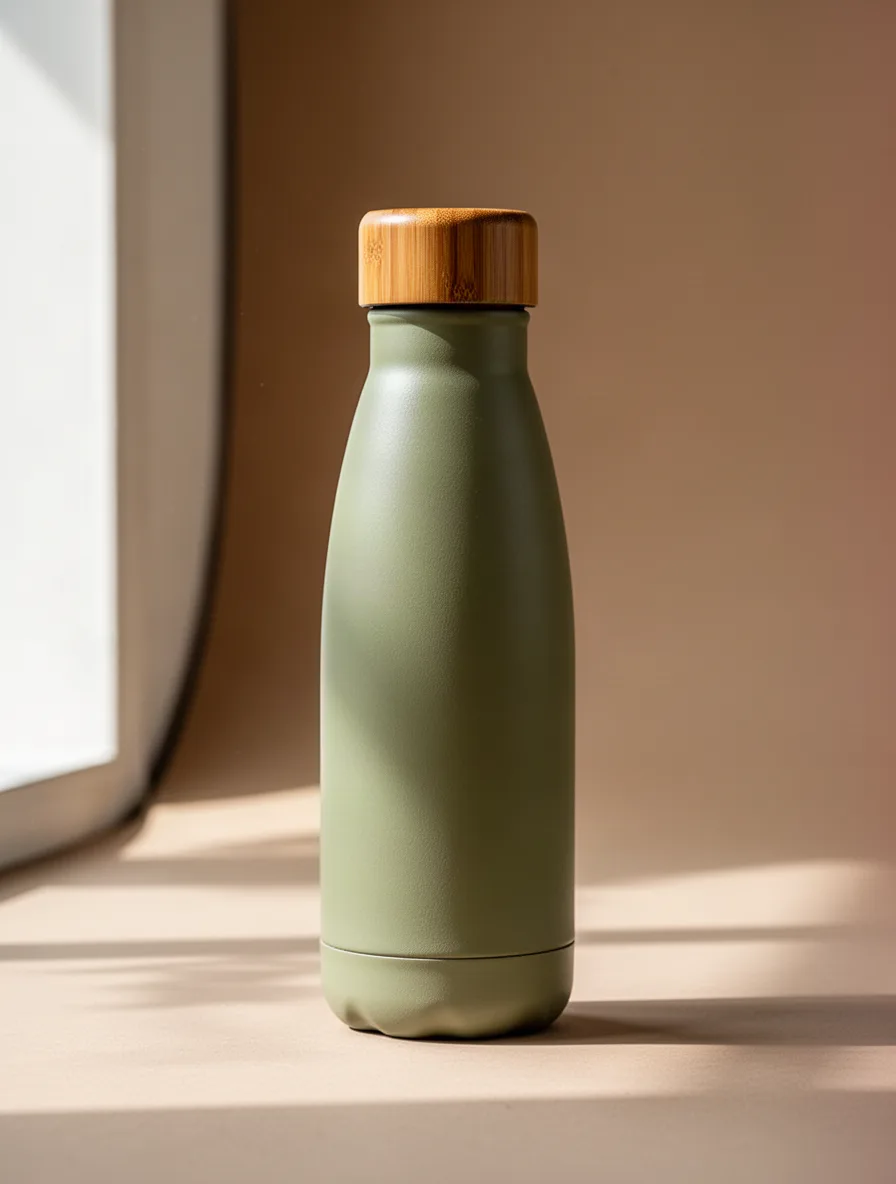
A sleek, eco-friendly water bottle designed with a bamboo cap, set against a neutral studio background. Focus on the bottle's texture and elegant curves. Soft daylight streaming in from the left highlights its contours. Earth-toned colors dominate the palette, including soft greens and browns.
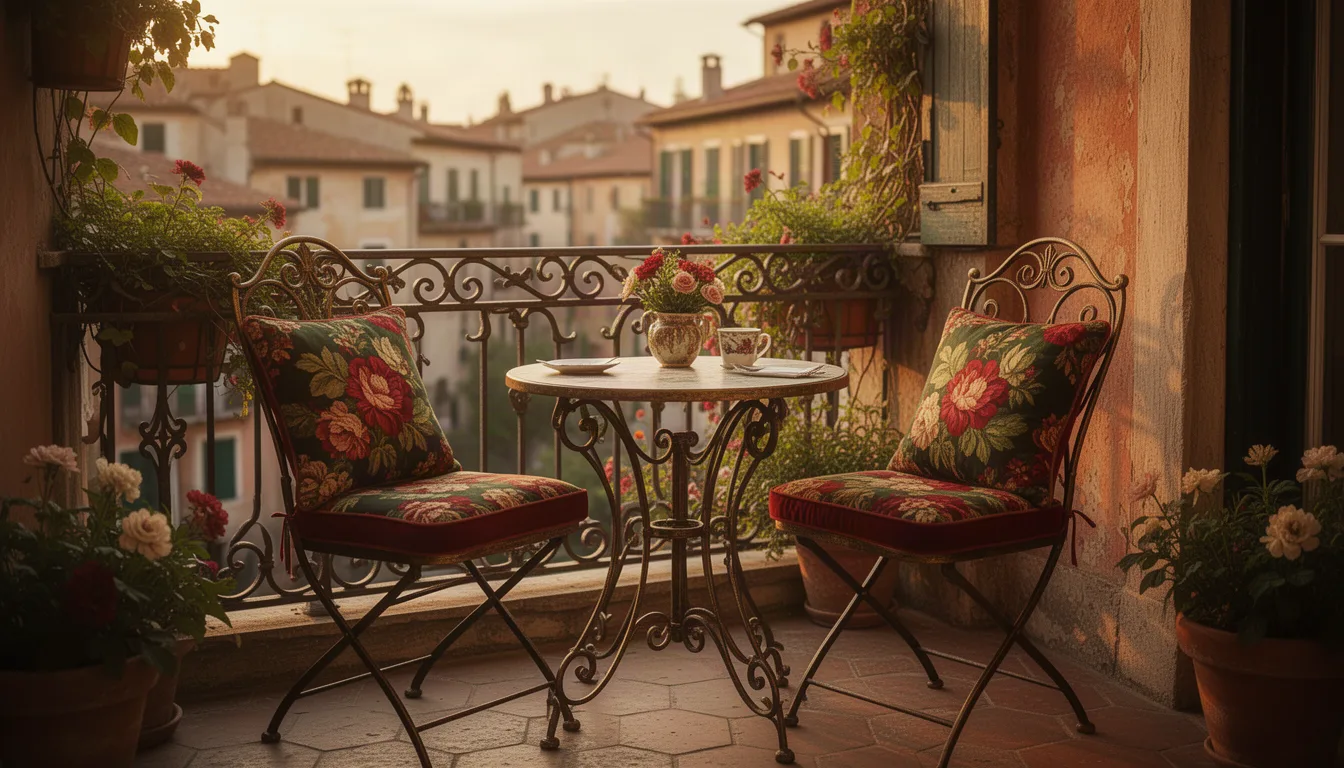
A charming vintage-inspired bistro set with two chairs and a small table featured in a cozy corner of a sunlit European-style terrace. The ironwork details and floral-patterned cushions pop against the rustic backdrop. Warm golden hour light bathes the scene, evoking a nostalgic feel. The palette is rich with deep reds, greens, and golds.
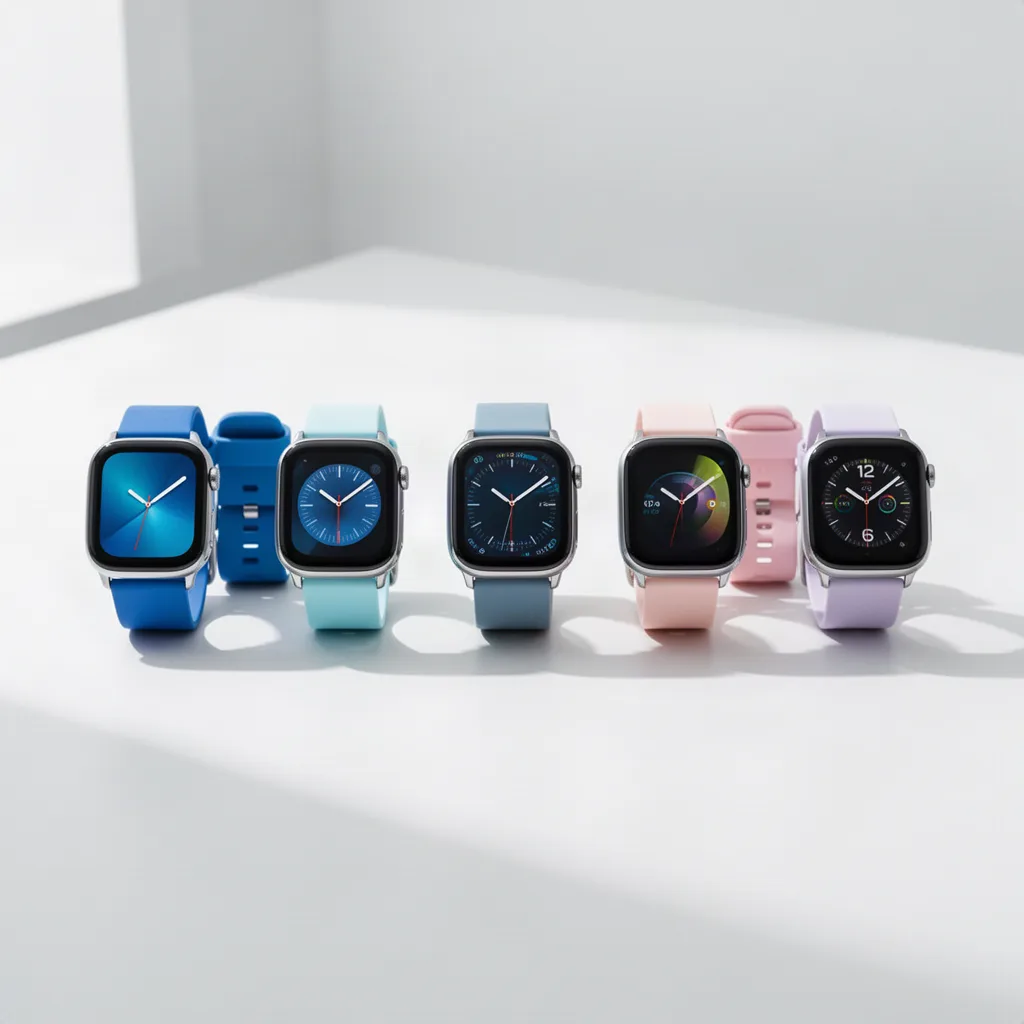
A lineup of modern smartwatches displayed on a minimalist white surface in a bright studio setting. Each watch features a unique strap color, ranging from vibrant blues to subtle pastels. The composition is centered, with watches neatly aligned. Natural light enhances the metallic details, giving a sleek and futuristic appearance.
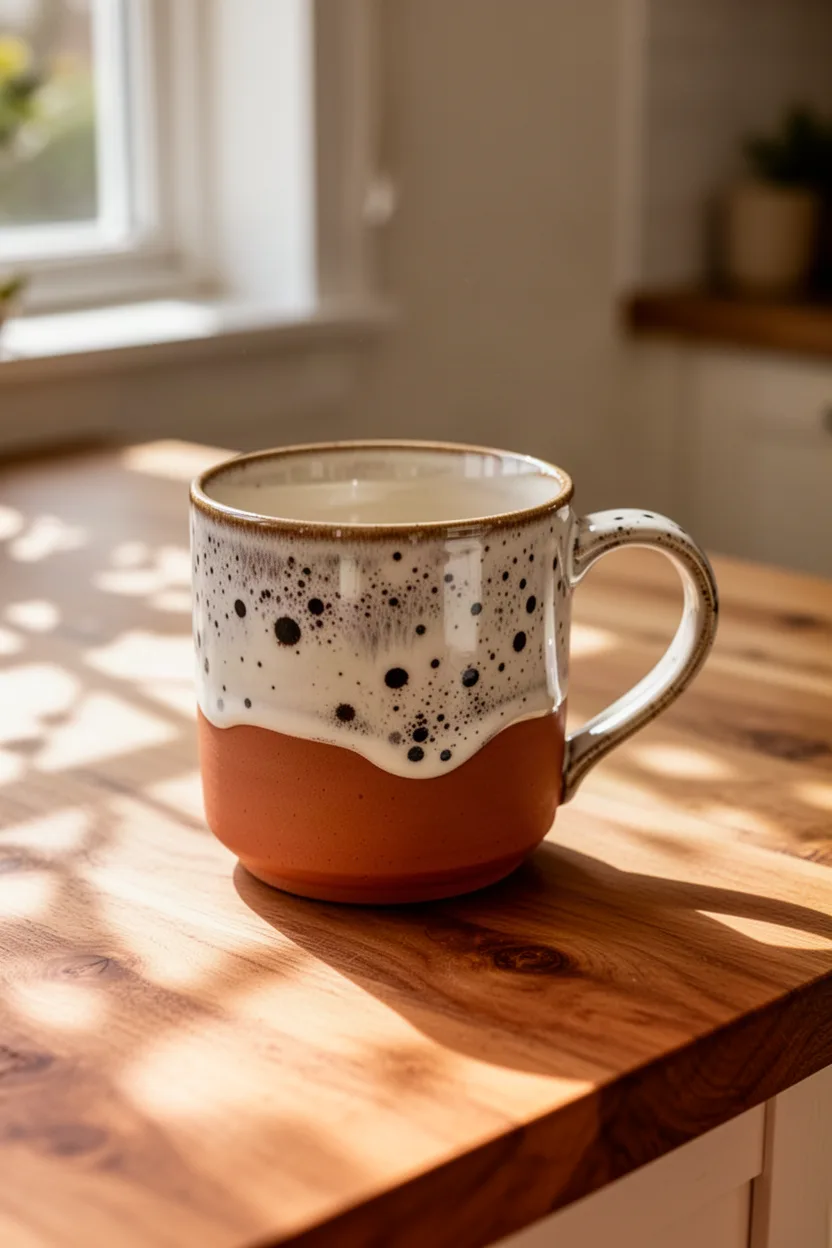
A handcrafted ceramic mug with a unique speckled glaze, showcased on a wooden kitchen tabletop. Sunlight filters through a nearby window, casting delicate shadows. The scene has a cozy, inviting feel, and the color palette includes earthy tones like terracotta and creamy whites, complemented by the natural wood texture.
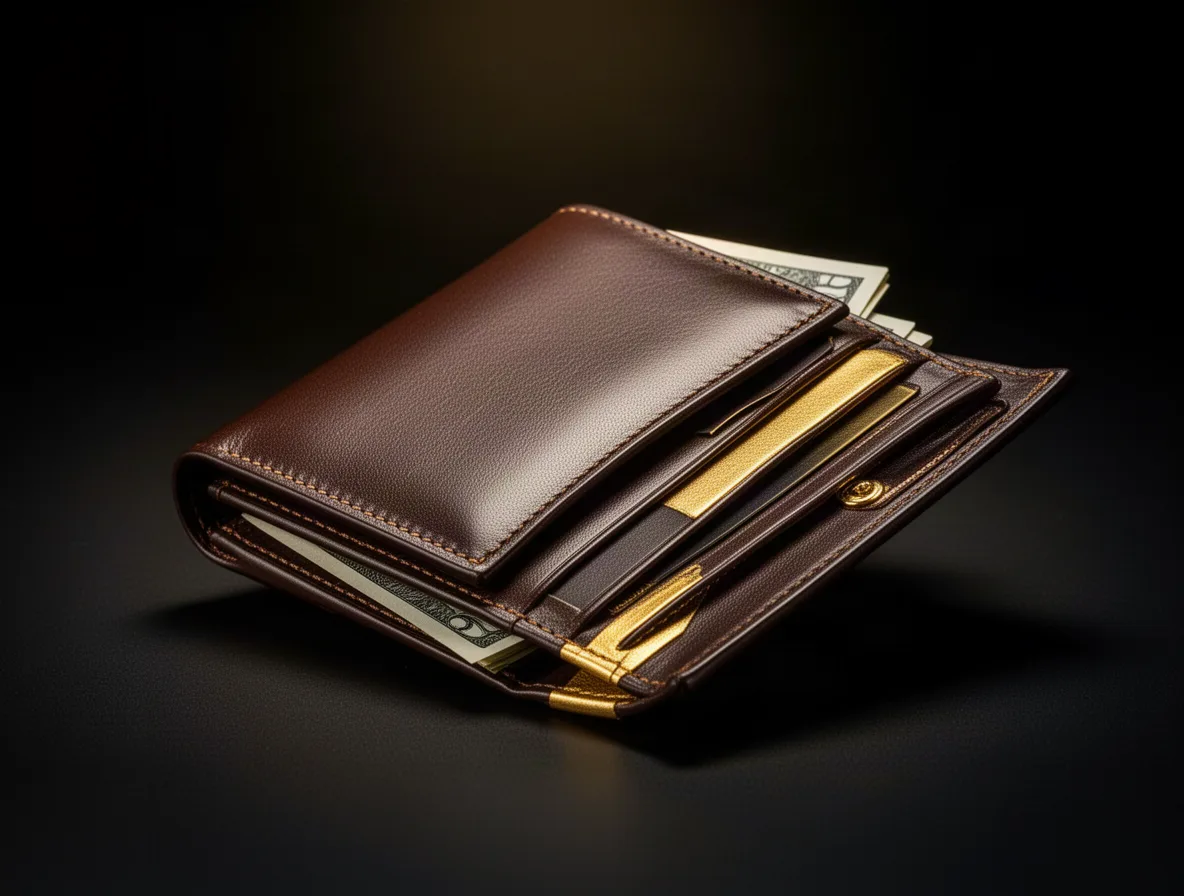
An elegant luxury leather wallet captured in a sophisticated, dark setting. The wallet is open, revealing compartments and a hint of cash peeking out. Dramatic lighting emphasizes the wallet's fine stitching and smooth texture. The color palette mixes deep browns and gold highlights, enhancing its premium quality feel.
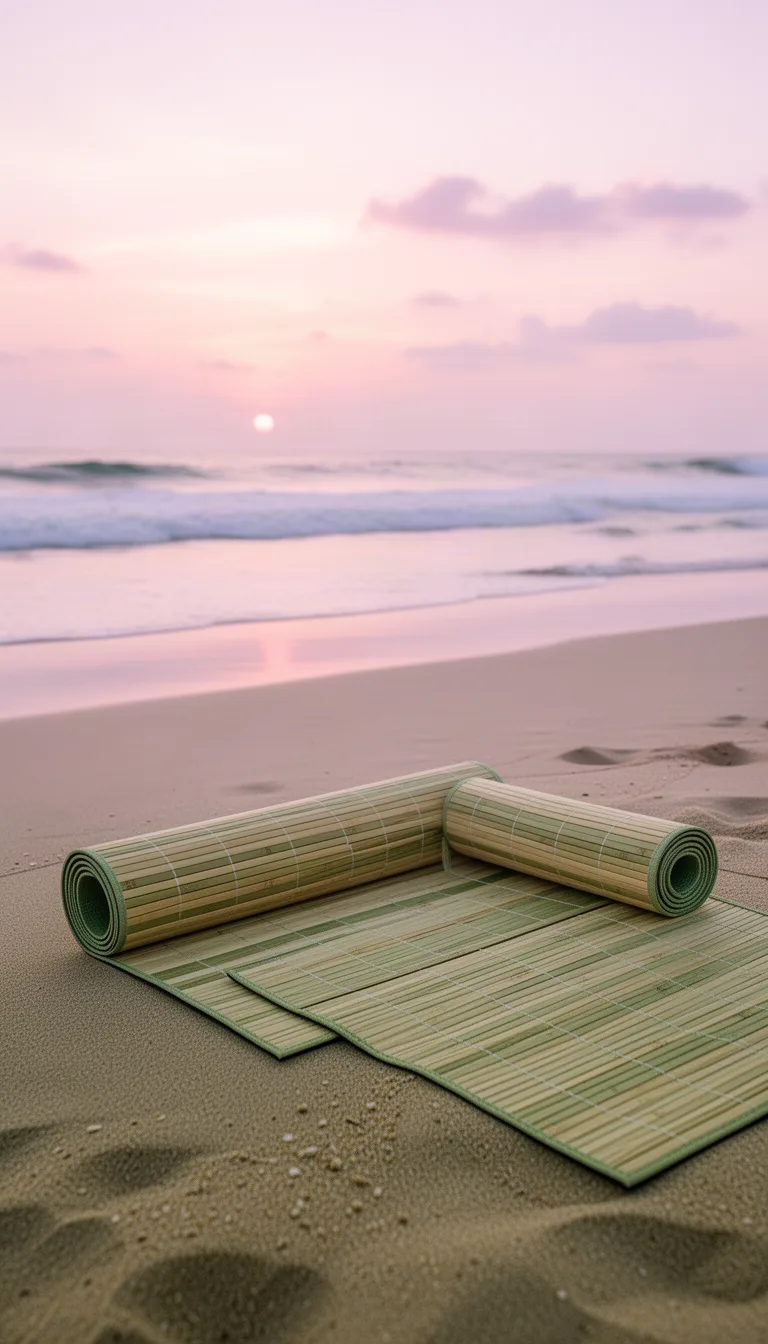
A bamboo yoga mat lies rolled out on a serene beach setting at sunrise. The ocean waves are visible in the background, and soft pastel skies provide a peaceful atmosphere. The mat’s natural tones of beige and greens blend with the sand, creating a harmonious composition focused on relaxation and mindfulness.
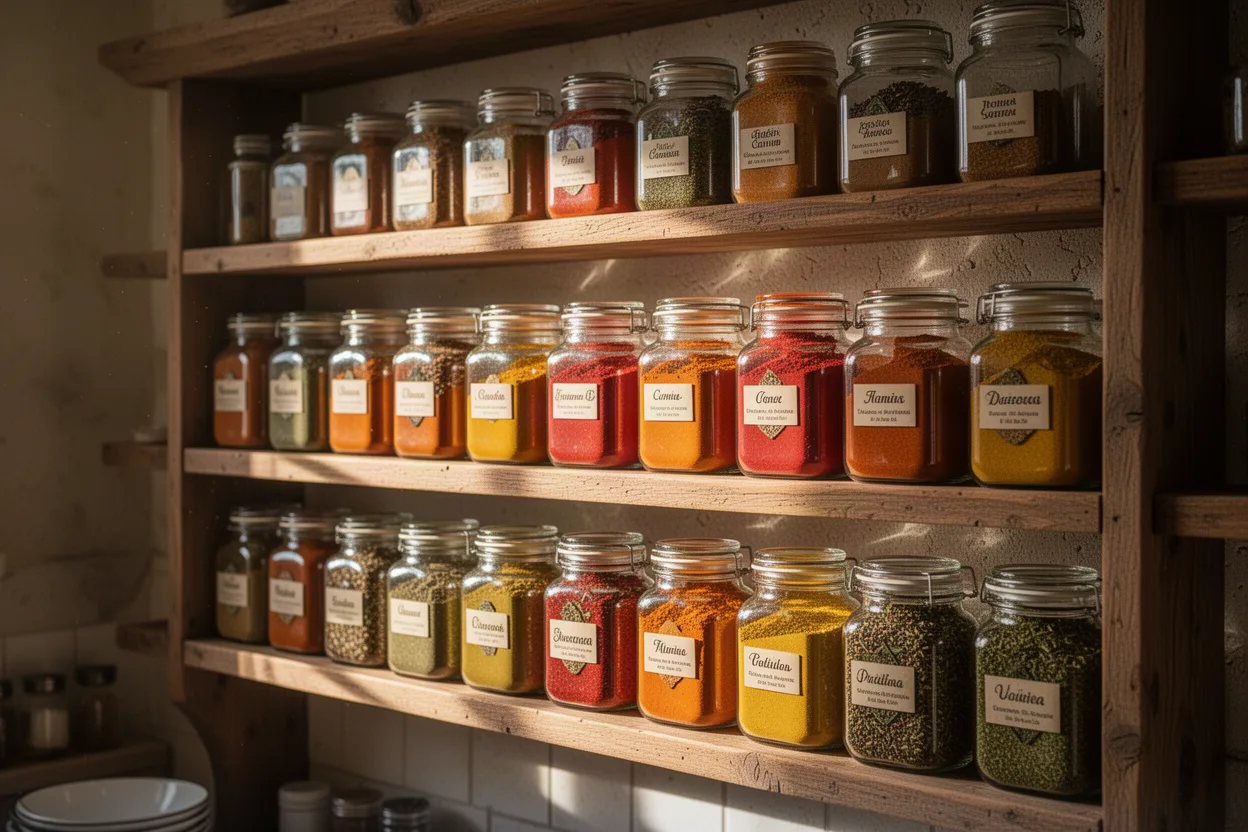
A gourmet spice rack brimming with colorful glass jars, each filled with vibrant spices. Set in a rustic kitchen, the scene is lively and fragrant. Morning light streams in, creating reflections and shadows. The palette is a feast for the eyes, featuring oranges, reds, yellows, and greens set against wooden shelves.
GPT Image 2.5 क्या है?
GPT Image 2.5 NovaMotions AI पर प्रीमियम इमेज मॉडल है जो साफ़, सटीक टेक्स्ट के साथ फोटोरियल तस्वीरें बनाता है। यह प्रॉम्प्ट से या आपकी अपनी फोटो को सामान्य भाषा के निर्देशों से संपादित करता है, 1K, 2K या 4K में और 9:16 से 21:9 तक किसी भी आस्पेक्ट रेशियो में। इसे विज्ञापन, पोस्टर और उत्पाद शॉट्स के लिए इस्तेमाल करें जिन्हें पूरा दिखना जरूरी हो।
- सबसे उच्च रिज़ॉल्यूशन
- 4K
- आस्पेक्ट रेशियो, ऑटो सहित
- 9
- एक एडिट में संयुक्त इमेज
- 4
GPT Image 2.5 क्या अच्छा करता है
पहला प्रॉम्प्ट लिखने से पहले जानने योग्य ताकतें।
फोटोरियल विवरण
त्वचा, कपड़ा, कांच और भोजन विश्वसनीय रूप से असली दिखते हैं, प्राकृतिक प्रकाश गिरावट और विश्वसनीय परावर्तन के साथ। जब तस्वीर को फोटो जैसा दिखना हो तो आदर्श।
सटीक छवि पर टेक्स्ट
हेडलाइन, लेबल और संकेत ठीक वैसे ही आते हैं जैसे आपने लिखा है। शब्दों को डबल कोट्स में रखें और बताएं वे कहाँ जाएं।
पिक्सेल-स्तरीय संपादन
एक फोटो अपलोड करें और बदलाव का वर्णन करें, जैसे पृष्ठभूमि बदलना या जैकेट का रंग। बाकी छवि वैसी ही रहती है।
1K, 2K और 4K
तेजी से विचारों के लिए 1K में रेंडर करें, फिर प्रिंट, बड़े बैनर और उच्च घनत्व स्क्रीन के लिए 2K या 4K में।
प्रति प्रॉम्प्ट 4 तक छवियां
एक साथ चार तक वेरिएशंस बनाएं ताकि रचनाओं की तुलना कर सकें, फिर संपादन से सबसे अच्छी को परिष्कृत करें।
GPT Image 2.5 से आप क्या बना सकते हैं
कॉपी के साथ विज्ञापन क्रिएटिव
एक छवि में उत्पाद, हेडलाइन और कॉल टू एक्शन, टेक्स्ट इतना स्पष्ट कि बिना डिजाइन पास के प्रकाशित किया जा सके।
रिटचिंग और स्वैप्स
पृष्ठभूमि बदलें, ध्यान भटकाने वाली चीज़ हटाएं या बिना फिर से शूट किए नए रंग में उत्पाद आज़माएं।
पोस्टर और कवर
इवेंट पोस्टर, पुस्तक कवर और थंबनेल जहां टाइपोग्राफी डिजाइन का हिस्सा हो।
GPT Image 2.5 का उपयोग कैसे करें
एक विचार से लेकर तैयार इमेज तक चार कदम, ऊपर दिए गए कार्यक्षेत्र में।
- 01
टेक्स्ट चुनें या संपादित करें
टेक्स्ट से इमेज एक खाली कैनवास से शुरू होती है। इमेज संपादन आपकी अपनी फोटो से शुरू होता है, जिसमें उत्पाद, चेहरे या शैलियों के लिए 3 अतिरिक्त संदर्भ छवियां हो सकती हैं।
- 02
तस्वीर का वर्णन करें
विषय, सेटिंग, शैली, प्रकाश और कोई भी शब्द जो दिखने चाहिए लिखें। छवि पर टेक्स्ट को डबल कोट्स में रखें ताकि वह बिल्कुल वैसा ही लिखा जाए।
- 03
अनुपात, आकार और संख्या सेट करें
एक आस्पेक्ट रेशियो या ऑटो चुनें, 1K, 2K या 4K रिज़ॉल्यूशन चुनें, और एक प्रॉम्प्ट पर 4 तक छवियां चुनें ताकि वेरिएशंस की तुलना कर सकें।
- 04
जनरेट करें और परिष्कृत करें
सहेजें, छोटे बदलाव के लिए इसे इमेज संपादन में वापस भेजें, या वीडियो मॉडल के साथ इसे वीडियो में बदलने के लिए एनिमेट दबाएं।
GPT Image 2.5 बनाम GPT Image 2 बनाम Nano Banana Pro
तीनों टेक्स्ट को अच्छी तरह संभालते हैं और 4K तक पहुंचते हैं। GPT Image 2.5 सबसे मजबूत फोटोरियलिज्म जोड़ता है, GPT Image 2 कम लागत वाला रोज़ाना विकल्प है, और Nano Banana Pro पात्रों को सुसंगत बनाए रखने में उत्कृष्ट है।
| तुलना करें | यह मॉडलGPT Image 2.5 | GPT Image 2 | Nano Banana Pro |
|---|---|---|---|
| के लिए सबसे अच्छा | सटीक टेक्स्ट के साथ फोटोरियल विज्ञापन | रोज़ाना टेक्स्ट-भारी ग्राफिक्स | 4K में सुसंगत पात्र |
| बनाने के तरीके | पाठ, संपादित करें | पाठ, संपादित करें | पाठ, संपादित करें |
| रिज़ॉल्यूशन | 1K, 2K, 4K | 1K, 2K, 4K | 1K, 2K, 4K |
| इमेज एडिट इनपुट | अधिकतम 4 छवियाँ | अधिकतम 4 छवियाँ | अधिकतम 4 छवियाँ |
| सामान्य रेंडर समय | लगभग 30 सेकंड | लगभग 25 सेकंड | लगभग 30 सेकंड |
| शुरुआती कीमत | 4 क्रेडिट से | 3 क्रेडिट से | 5 क्रेडिट से |
GPT Image 2.5 विनिर्देश
ये सीमाएँ सीधे कार्यक्षेत्र सेटिंग्स से आती हैं, इसलिए ये हमेशा ऊपर चुनी गई चीज़ों से मेल खाती हैं।
- बनाने के तरीके
- पाठ से छवि और छवि संपादन
- रिज़ॉल्यूशन
- 1K, 2K या 4K
- आस्पेक्ट रेशियो
- Auto, 1:1, 2:3, 3:2, 3:4, 4:3, 9:16, 16:9 या 21:9
- प्रति प्रॉम्प्ट इमेज
- 1 से 4
- इमेज एडिट इनपुट
- एक स्रोत इमेज और अधिकतम 3 संदर्भ
- प्रॉम्प्ट की लंबाई
- अधिकतम 5,000 अक्षर
- सामान्य रेंडर समय
- लगभग 30 सेकंड
- शुरुआती कीमत
- 4 क्रेडिट से
GPT Image 2.5 के लिए प्रॉम्प्ट उदाहरण
Try this दबाएँ और प्रॉम्प्ट ऊपर कार्यक्षेत्र में आ जाएगा, तैयार है जनरेट या संशोधित करने के लिए।
- पाठ से छवि
परफ्यूम स्प्लैश विज्ञापन
लक्ज़री खुशबू का विज्ञापन: गीले काले पत्थर पर एक गहरा एम्बर ग्लास बोतल, उसके चारों ओर सुनहरी तरल की ताज की तरह छींटें, बूंदें हवा में जमी हुईं। कम कोण, नाटकीय रिम लाइट, गहरा टील बैकड्रॉप। शीर्ष पर सुरुचिपूर्ण सेरिफ़ हेडलाइन "NOCTURNE" और नीचे छोटा टेक्स्ट "Eau de parfum"।
- पाठ से छवि
किसानों के बाजार का पोस्टर
गर्मी के किसानों के बाजार के लिए चमकीला चित्रित पोस्टर, आड़ू, टमाटर और सूरजमुखी की टोकरी, खुशमिजाज हाथ से बने शैली में। शीर्ष पर बड़ा बोल्ड शीर्षक "Saturday Market", नीचे छोटी पंक्ति "हर हफ्ते, 8 से 1", गर्म पीला और हरा पैलेट।
- छवि संपादन
नई पृष्ठभूमि
व्यक्ति, मुद्रा और कपड़े बिल्कुल वैसे ही रखें। पृष्ठभूमि को समुद्र के दृश्य के साथ धूप से भरे भूमध्यसागरीय टैरेस से बदलें, प्रकाश की दिशा से मेल खाते हुए और त्वचा पर एक नरम गर्म चमक जोड़ें।
इसे आज़माएँपहले अपनी छवि जोड़ें
GPT Image 2.5 प्रश्न
मोड, सीमाएँ, क्रेडिट और अधिकारों के बारे में संक्षिप्त उत्तर।
GPT Image 2.5 आज़माने के लिए तैयार हैं?
कार्यस्थान इस पृष्ठ के शीर्ष पर है। निर्माण 4 क्रेडिट से शुरू होते हैं, और असफल कार्य अपने क्रेडिट स्वचालित रूप से वापस कर देते हैं।
अभी भी कोई सवाल है?
हमारी टीम एक कार्य दिवस के भीतर उत्तर देती है। प्रॉम्प्ट गाइड में संदर्भ, कैमरा मूव्स, टेक्स्ट और साउंड शामिल हैं।
GPT Image 2.5 क्या है?
GPT Image 2.5 NovaMotions AI पर एक इमेज मॉडल है जो फोटोरियलिस्टिक तस्वीरें और सटीक टेक्स्ट बनाता है। यह एक प्रॉम्प्ट से इमेज बनाता है और आपकी अपनी तस्वीरों को सरल भाषा के निर्देशों से एडिट करता है, 1K, 2K या 4K में।
मैं टेक्स्ट को सही वर्तनी में कैसे प्राप्त करूं?
सटीक शब्दों को डबल कोट्स में डालें, बताएं वे कहाँ जाने चाहिए और स्टाइल का वर्णन करें, जैसे शीर्ष पर बोल्ड सैंस-सेरिफ हेडलाइन "Grand opening"। छोटे वाक्यांश लंबे पैराग्राफ से अधिक विश्वसनीय रूप से रेंडर होते हैं।
इमेज एडिटिंग कैसे काम करती है?
इमेज एडिट पर स्विच करें, एक स्रोत छवि अपलोड करें और बदलाव का वर्णन करें। आप 3 अतिरिक्त संदर्भ छवियां जोड़ सकते हैं, जैसे कोई उत्पाद या शैली जिसे उधार लेना हो। बताएं क्या समान रहना चाहिए।
मैं कौन से आकार और पहलू अनुपात चुन सकता हूँ?
1K, 2K या 4K चुनें, और Auto, 1:1, 2:3, 3:2, 3:4, 4:3, 9:16, 16:9 या 21:9। इमेज एडिट में, Auto आपके स्रोत छवि के अनुपात को बनाए रखता है।
मैं एक बार में कितनी छवियां बना सकता हूँ?
प्रत्येक प्रॉम्प्ट पर अधिकतम 4। हर छवि क्रेडिट्स का उपयोग करती है, और कुल क्रेडिट्स जनरेट बटन पर शुरू करने से पहले दिखते हैं।
क्या मैं GPT Image 2.5 की तस्वीर को वीडियो में बदल सकता हूँ?
हाँ। परिणाम खोलें और Animate दबाएं। यह इमेज मोड में वीडियो वर्कस्पेस खोलता है, आपकी तस्वीर पहले फ्रेम के रूप में, मोशन प्रॉम्प्ट के लिए तैयार।
मुझे GPT Image 2.5 या GPT Image 2 कब चुनना चाहिए?
जब फोटोरियलिज्म और सूक्ष्म विवरण महत्वपूर्ण हों, जैसे हीरो विज्ञापन और उत्पाद शॉट्स के लिए GPT Image 2.5 चुनें। रोज़ाना ग्राफिक्स और एडिट के लिए कम लागत वाला GPT Image 2 चुनें।
GPT Image 2.5 छवि के लिए कितने क्रेडिट लगते हैं?
यह रिज़ॉल्यूशन, प्रति प्रॉम्प्ट छवियों की संख्या और छवि संपादन पर निर्भर करता है। सटीक राशि जनरेट बटन पर खर्च करने से पहले दिखती है, और वही बैलेंस वीडियो, छवियों और संगीत के लिए काम करता है।
अगर GPT Image 2.5 जनरेशन विफल हो जाए तो क्या होगा?
हर क्रेडिट अपने आप आपके बैलेंस में वापस आ जाता है। दावा या रिपोर्ट करने की जरूरत नहीं। प्रॉम्प्ट या सेटिंग्स बदलें और फिर से प्रयास करें।
क्या मैं GPT Image 2.5 छवियों का व्यावसायिक उपयोग कर सकता हूँ?
हाँ। हर योजना में व्यावसायिक उपयोग शामिल है और डाउनलोड पर कोई वॉटरमार्क नहीं होता। आप जो बनाते हैं उसके लिए आप जिम्मेदार हैं, इसलिए असली लोगों, लोगो या पात्रों का उपयोग न करें जिनके अधिकार आपके पास नहीं हैं।
और मॉडल खोजें
एक क्रेडिट बैलेंस सभी मॉडलों के लिए काम करता है। कभी भी साइडबार से स्विच करें।