GPT Image 2 AI image generator
Reliable text rendering and natural-language photo edits
- Clean text
- Up to 4K
- Name the style: photo, poster, 3D, illustration.
- Put the exact text you want in quotes.
- Describe light and lens for photoreal results.
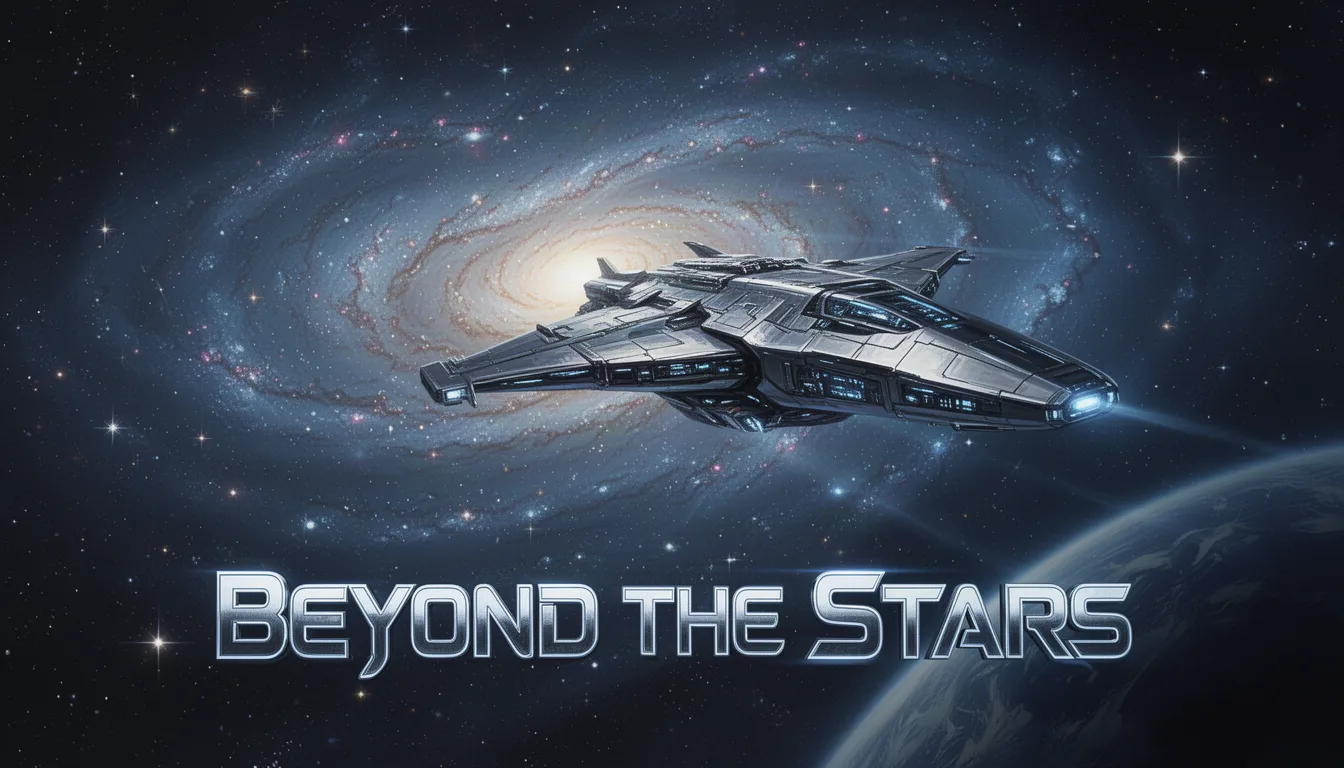
A futuristic spaceship glides past a distant galaxy, its sleek design reflecting the twinkling stars. Below, the text 'Beyond the Stars' in bold, stylized letters. Setting: outer space. Style: sci-fi realism. Lighting: cosmic glow. Medium: digital painting. Color palette: deep blues, silvers, and blacks.
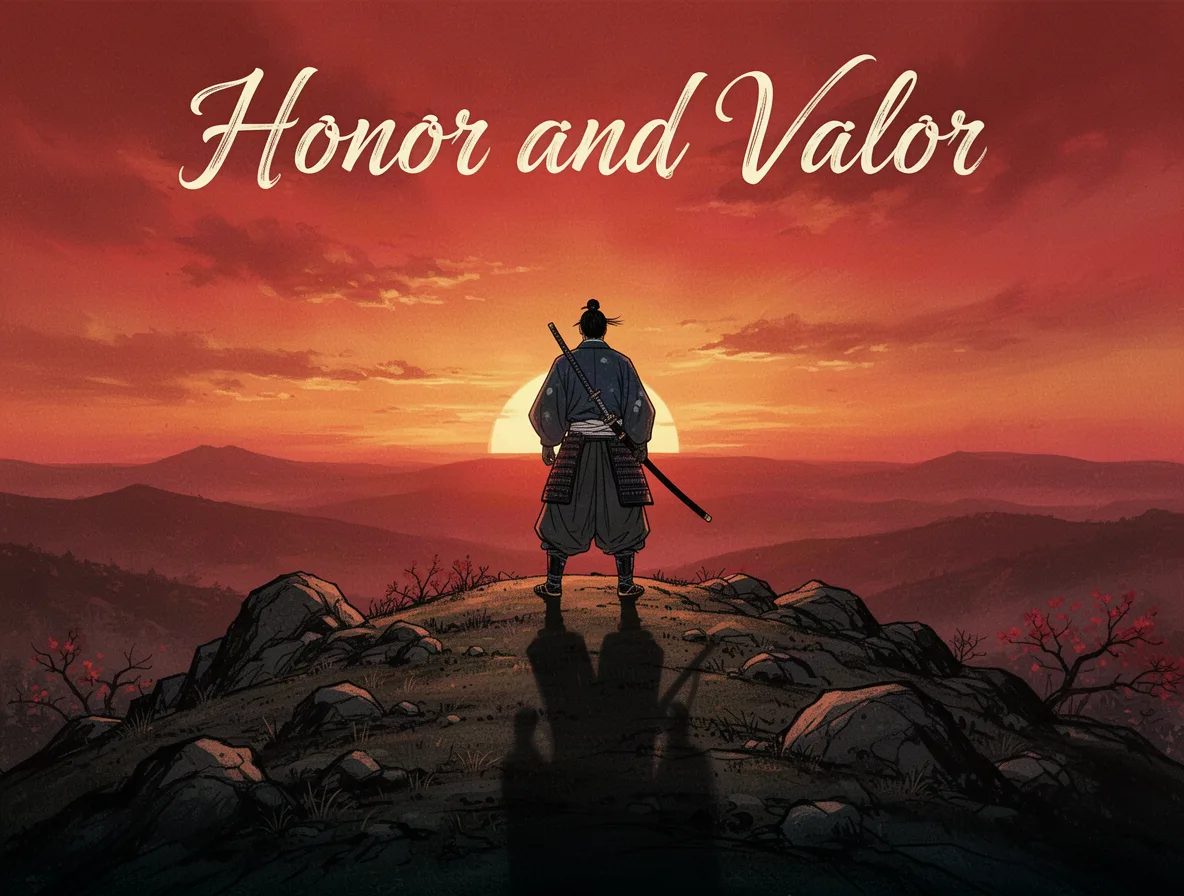
A lone samurai stands on a rocky hilltop, gazing into the horizon at sunset. His shadow stretches long across the ground. The headline 'Honor and Valor' in elegant script at the top. Style: traditional Japanese. Lighting: dramatic sunset. Lens: telephoto. Color palette: reds, oranges, and blacks.
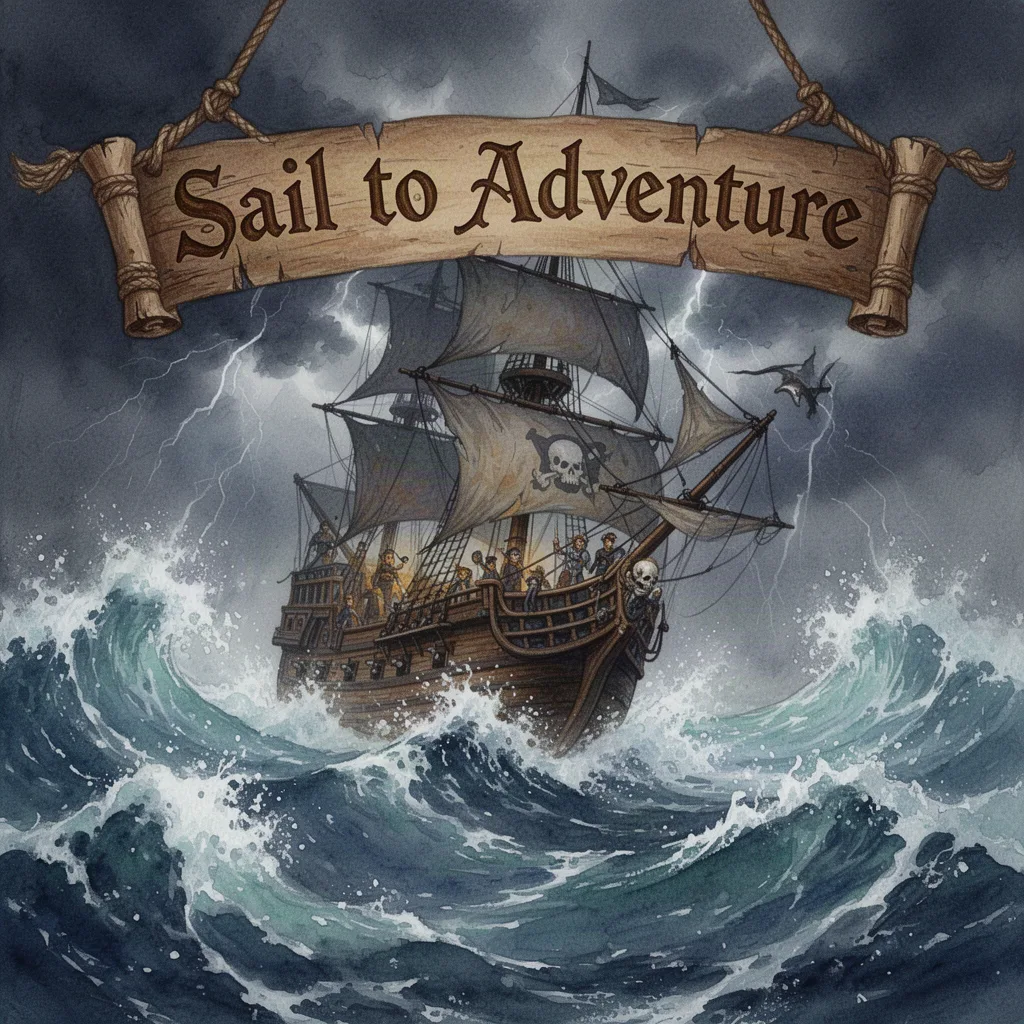
An adventurous pirate ship battles fierce ocean waves under a stormy sky. The headline 'Sail to Adventure' is carved into a wooden banner. Style: swashbuckling fantasy. Lighting: stormy and tumultuous. Medium: watercolor. Color palette: deep blues, grays, and browns.
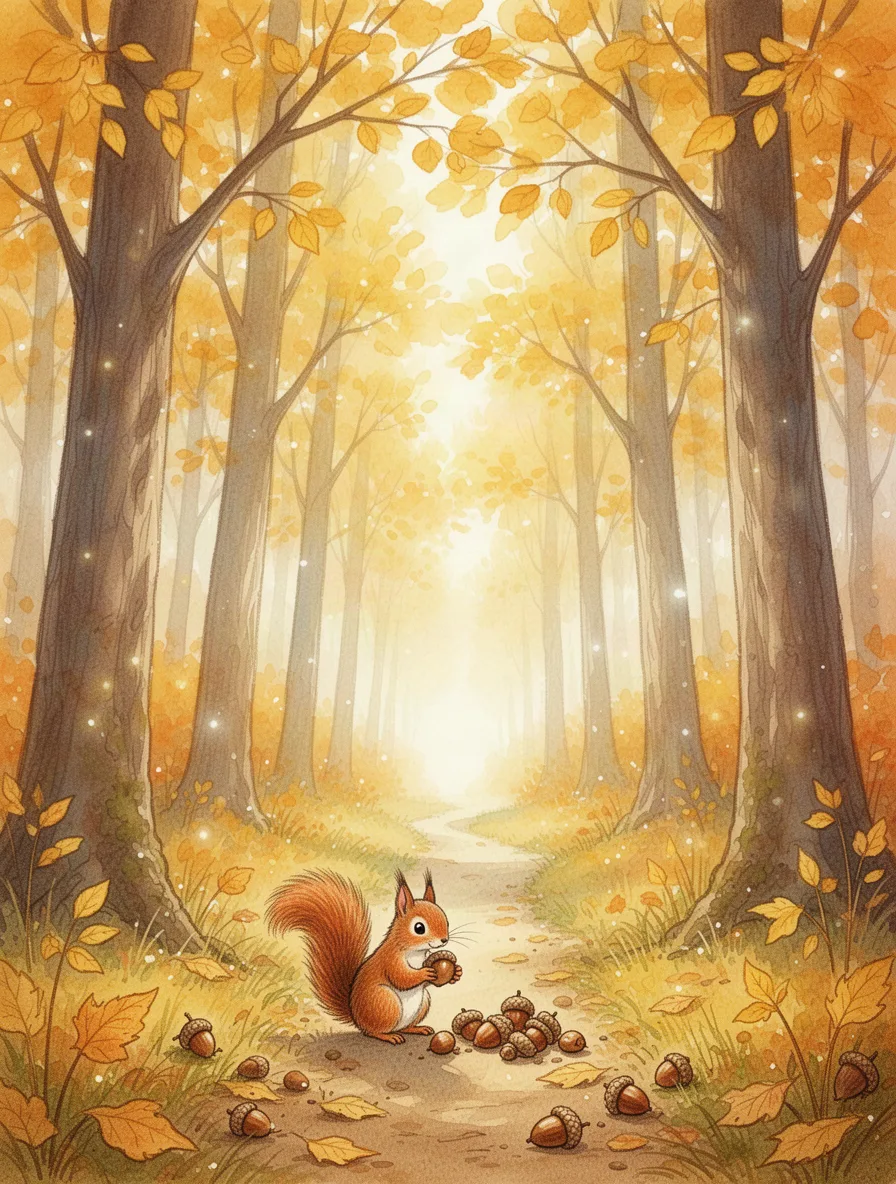
A gentle watercolor illustration of a whimsical forest in autumn. Tall trees with golden leaves tower over a narrow path where a small squirrel collects acorns. Bright, warm tones dominate the scene, capturing a peaceful, storybook atmosphere. A soft, diffuse light filters through the branches, adding depth and magic to the illustration.
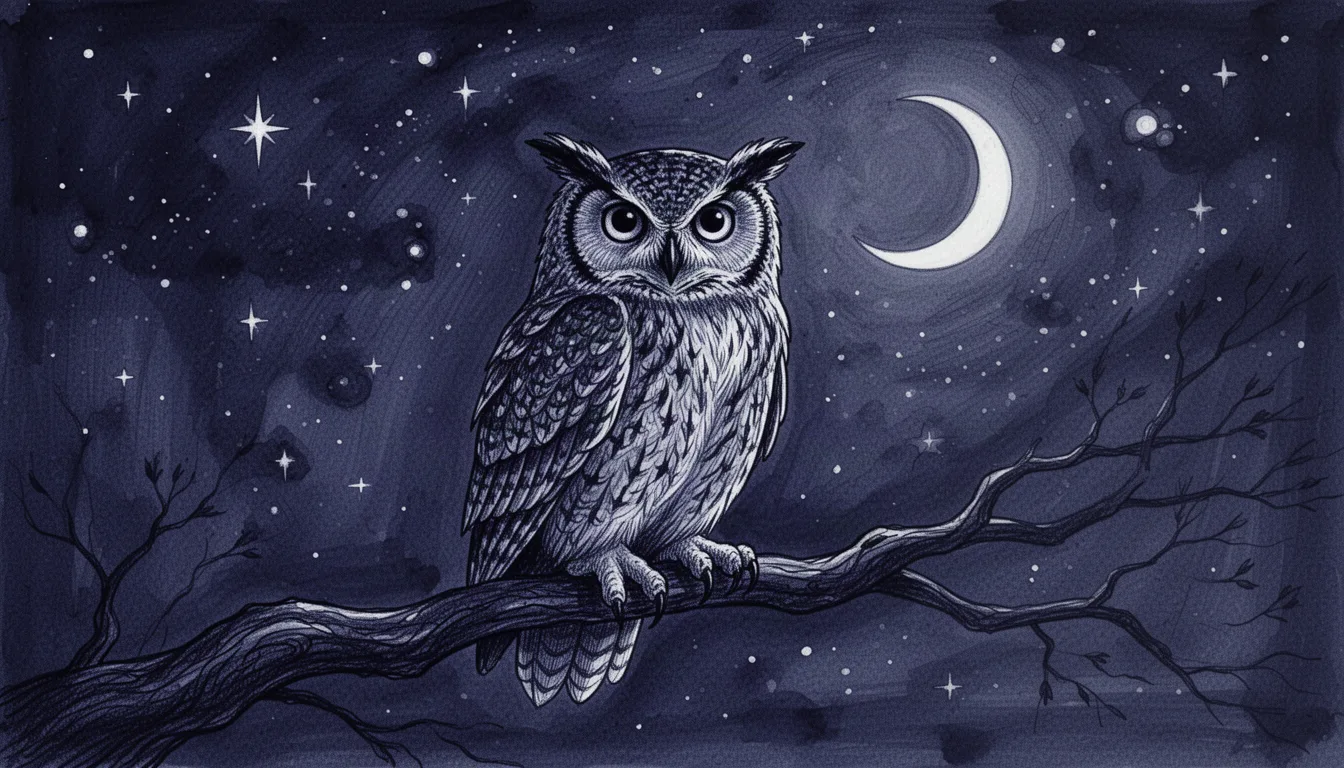
Ink illustration of an owl perched on a branch under a starry night sky. The owl's eyes are large and expressive against the deep indigo background. The crescent moon casts a silver glow, highlighting the owl's feathers with intricate detail. A mysterious and serene mood envelops the scene.
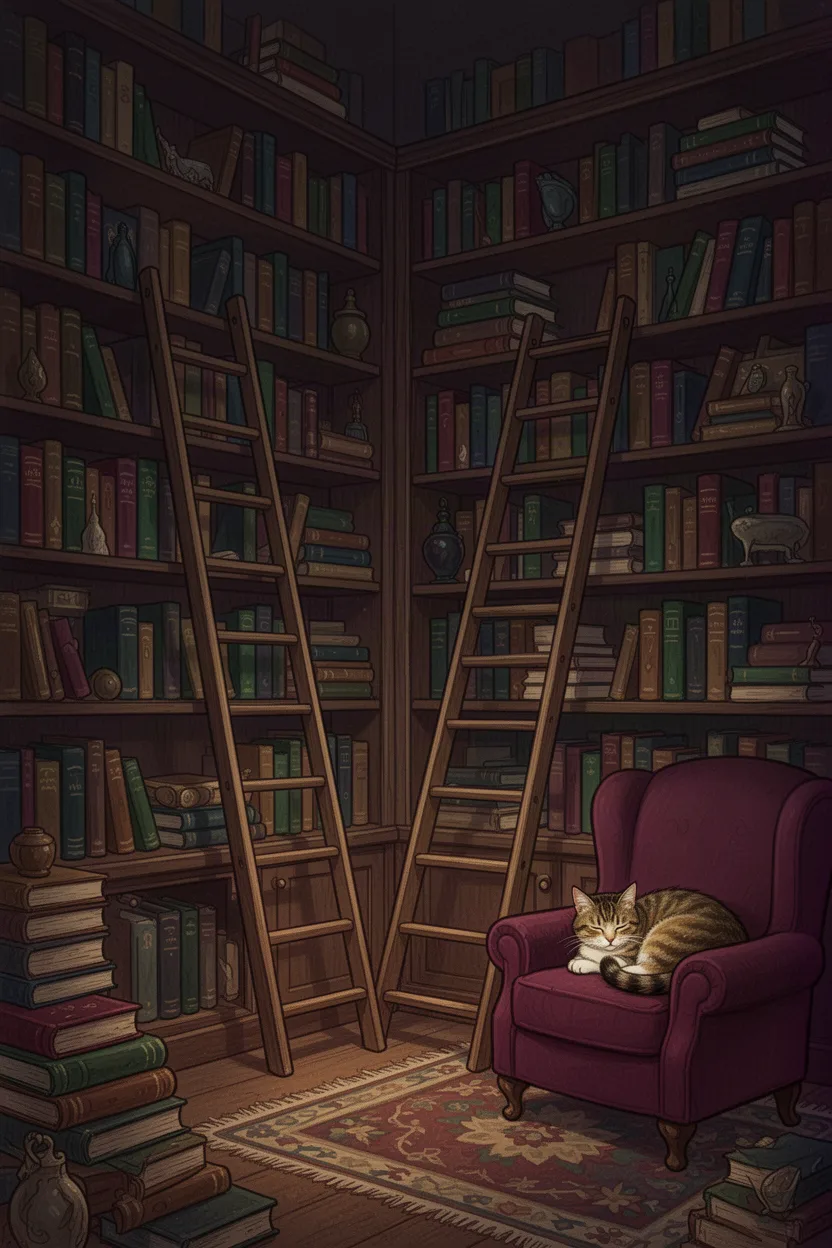
Storybook illustration of a cozy library with towering shelves filled with books of all sizes. A ladder leans against a high shelf, and a cat sleeps on an armchair in the corner. Rich, deep colors like burgundy and forest green create warmth. Soft, ambient light encourages a sense of comfort and quiet discovery.
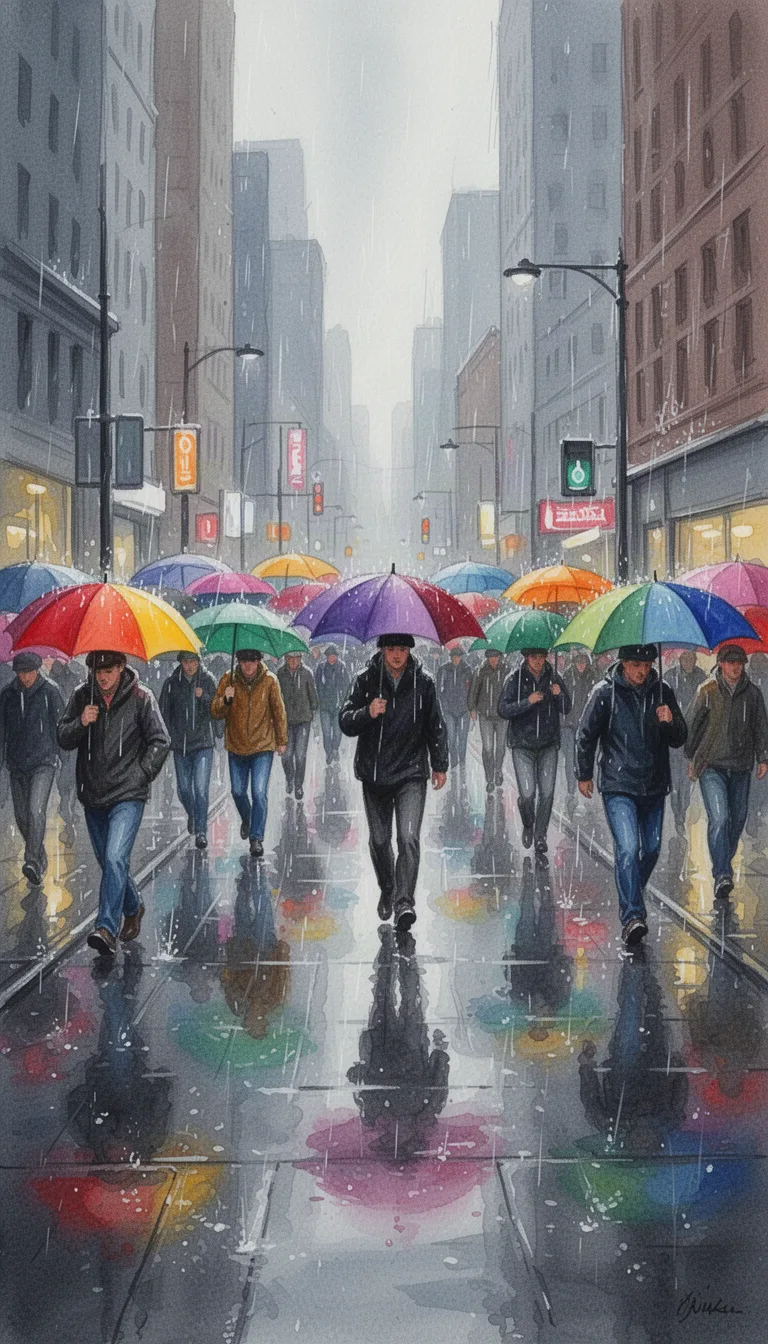
Gouache painting of a bustling street scene on a rainy day, filled with colorful umbrellas. People walk briskly along the wet pavement, each umbrella a splash of color against the gray drizzle. Reflections play on the ground, capturing the lively energy of the city. Cool, muted tones contrast with vibrant umbrella hues.
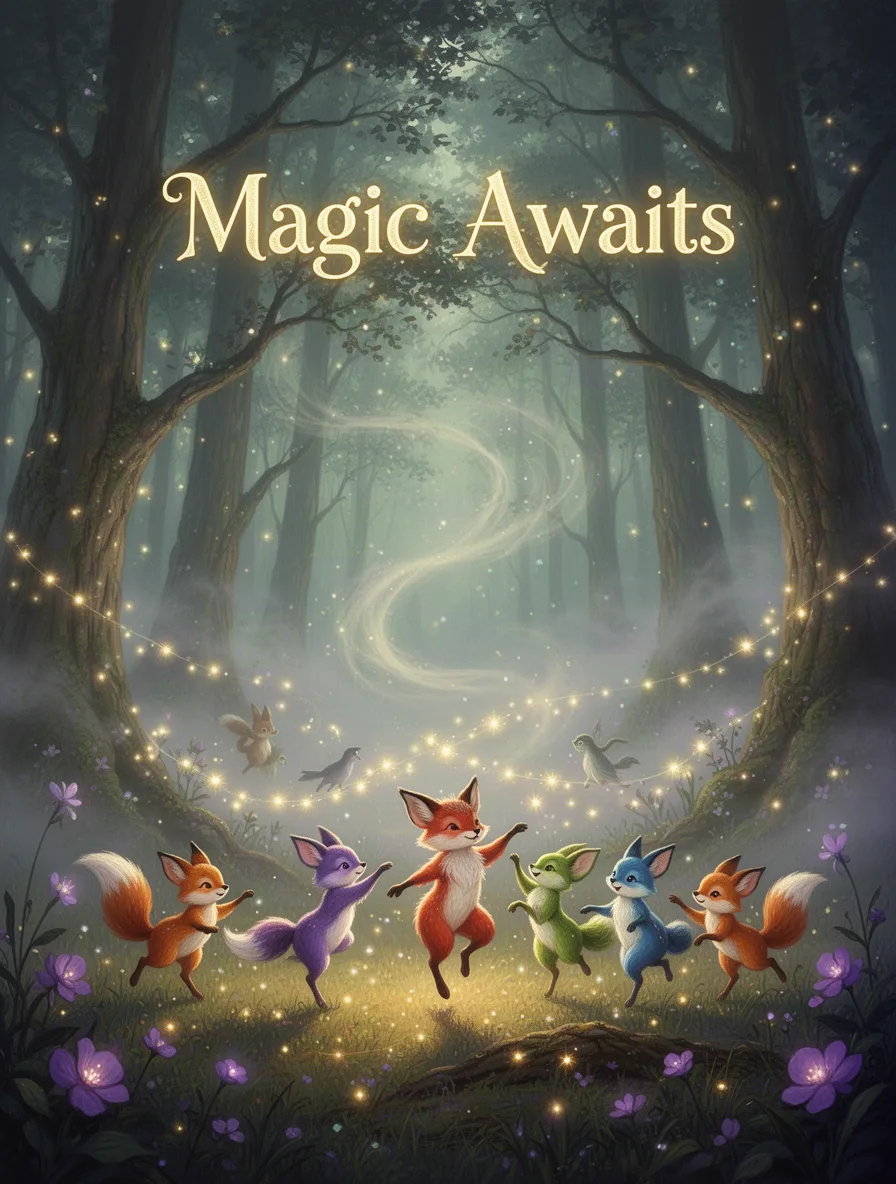
A mystical forest scene with glowing trees and soft, swirling fog. In the foreground, colorful woodland creatures dance under shimmering fairy lights. The headline 'Magic Awaits' hovers above. Style: whimsical fantasy. Lighting: ethereal and gentle. Lens: wide-angle. Color palette: greens, purples, and golds.
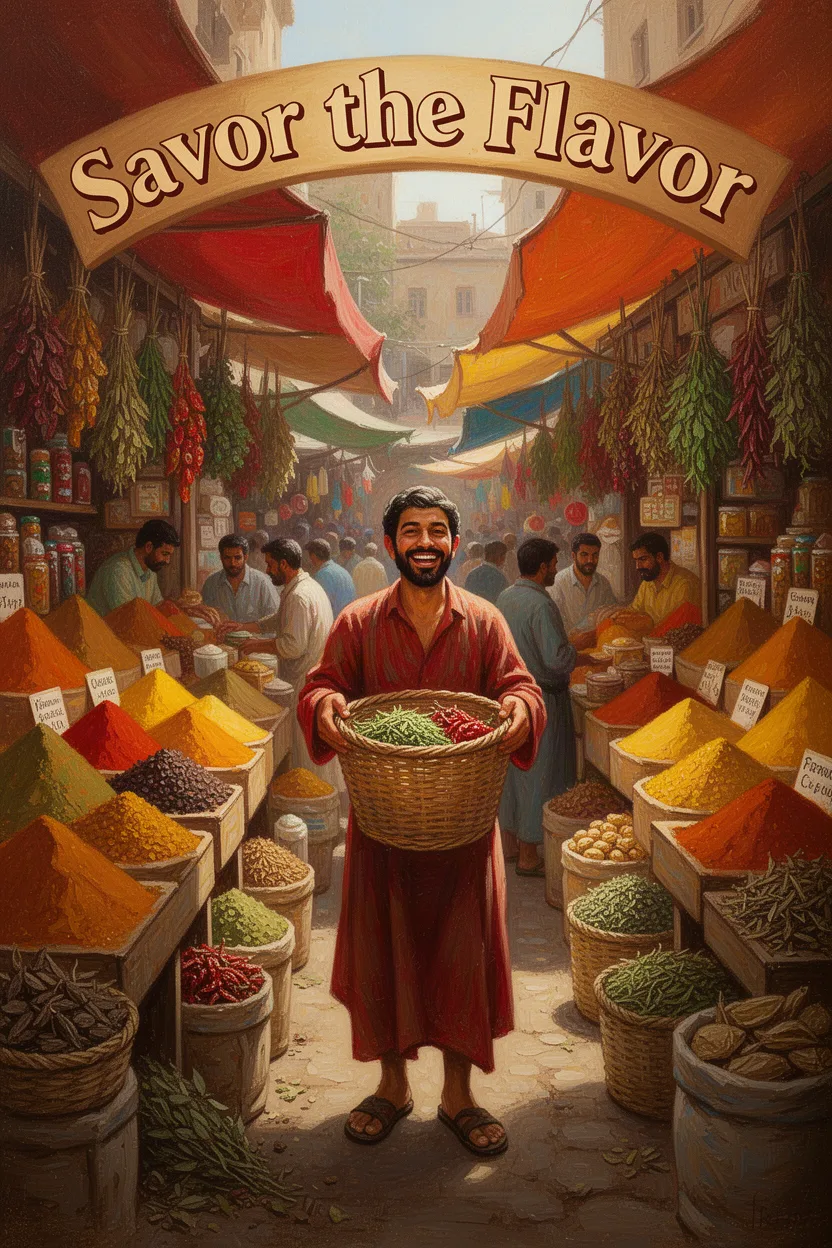
A bustling spice market with vibrant stalls overflowing with colorful spices and herbs. A central figure holds a woven basket with a joyful expression. The headline 'Savor the Flavor' arches above. Style: warm and inviting. Lighting: natural sunlight. Medium: oil painting. Color palette: reds, oranges, yellows.
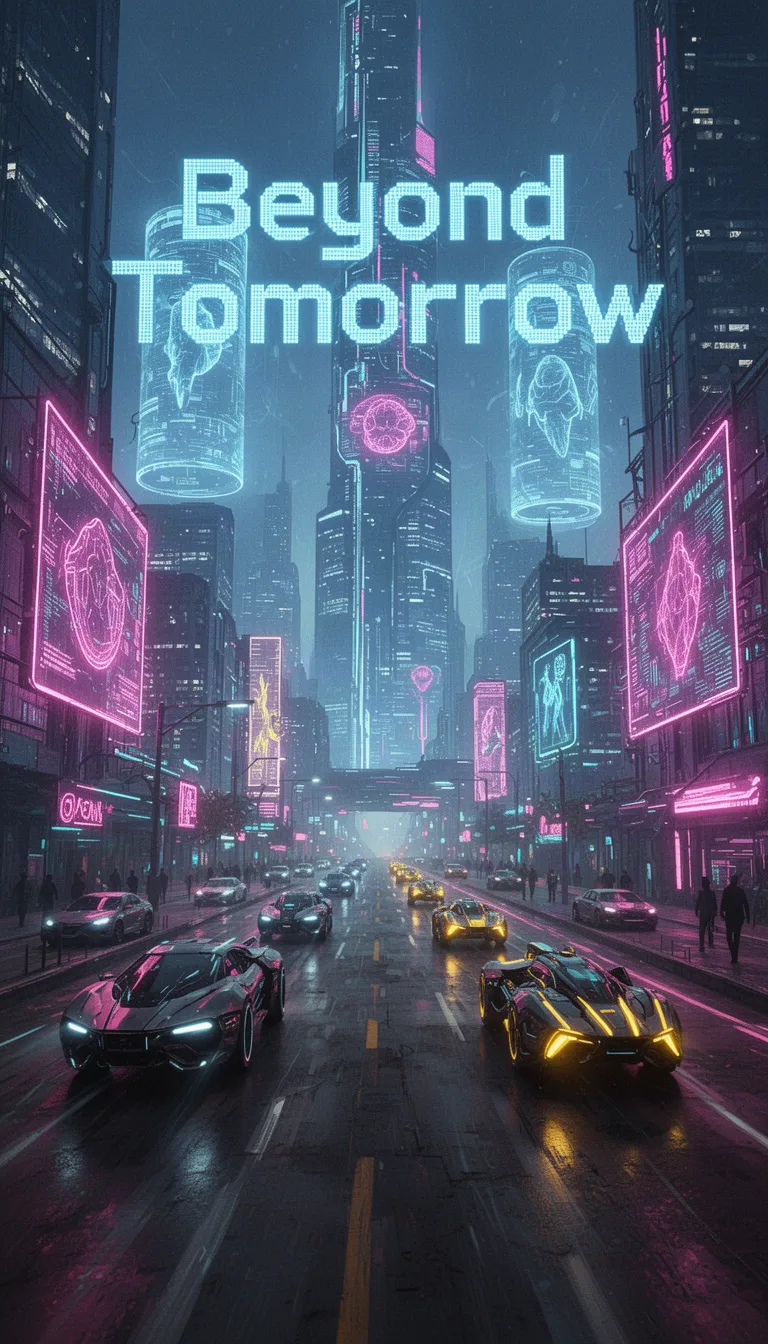
A neon-lit cityscape bustling with futuristic vehicles and towering holograms. The headline 'Beyond Tomorrow' is emblazoned in digital font. Setting: urban future. Style: cyberpunk. Lighting: neon and fluorescence. Medium: digital collage. Color palette: electric blues, neon pinks, and glowing yellows.
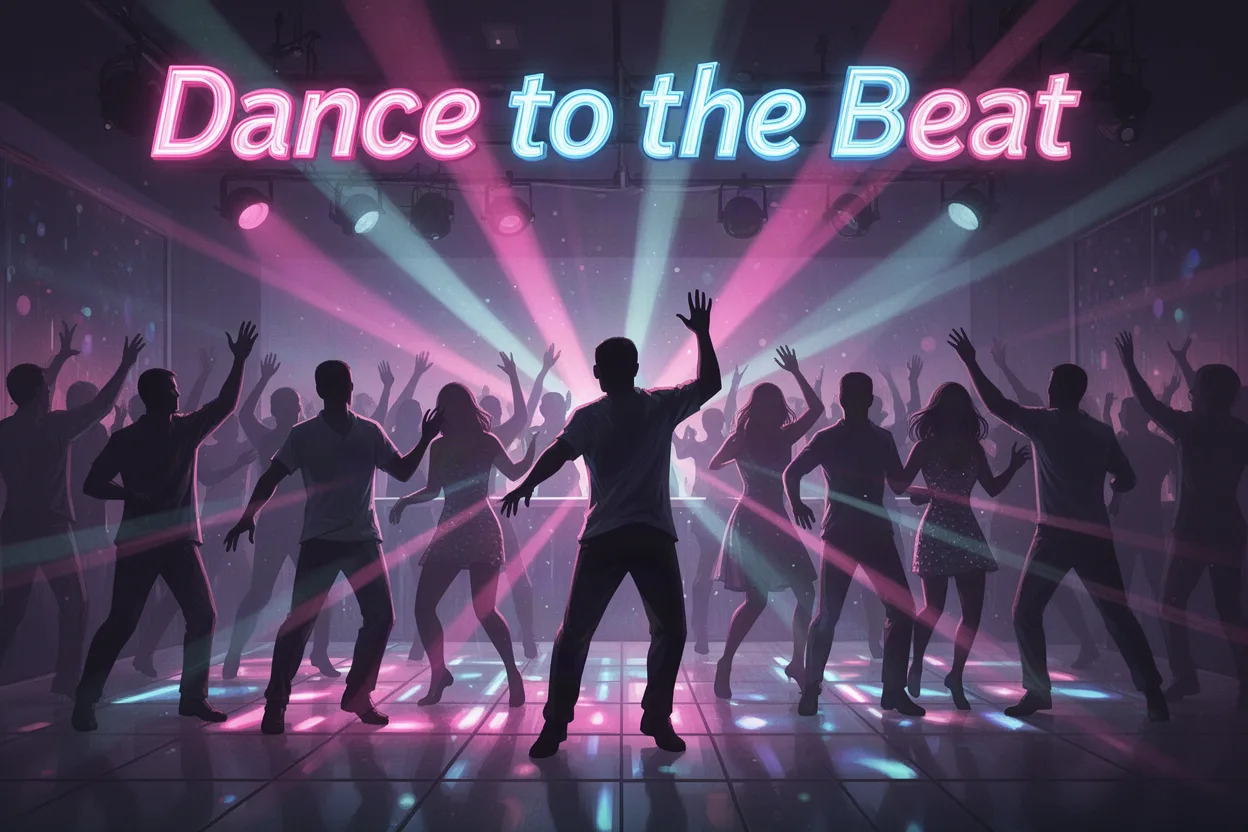
A lively dance floor filled with silhouettes moving to the beat under colorful strobe lights. The headline 'Dance to the Beat' vibrates at the top. Setting: nightclub. Style: dynamic and energetic. Lighting: vibrant and pulsing. Medium: digital illustration. Color palette: neon pinks, blues, and purples.
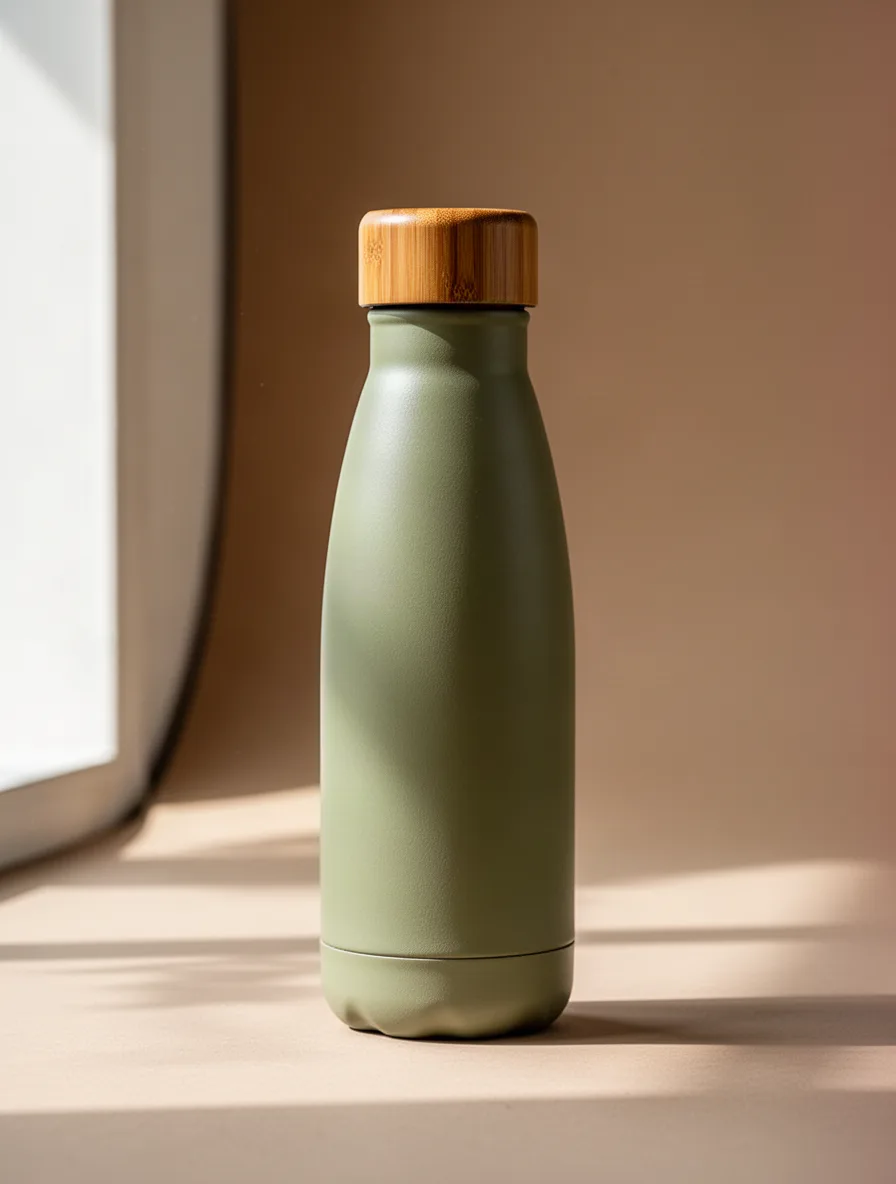
A sleek, eco-friendly water bottle designed with a bamboo cap, set against a neutral studio background. Focus on the bottle's texture and elegant curves. Soft daylight streaming in from the left highlights its contours. Earth-toned colors dominate the palette, including soft greens and browns.
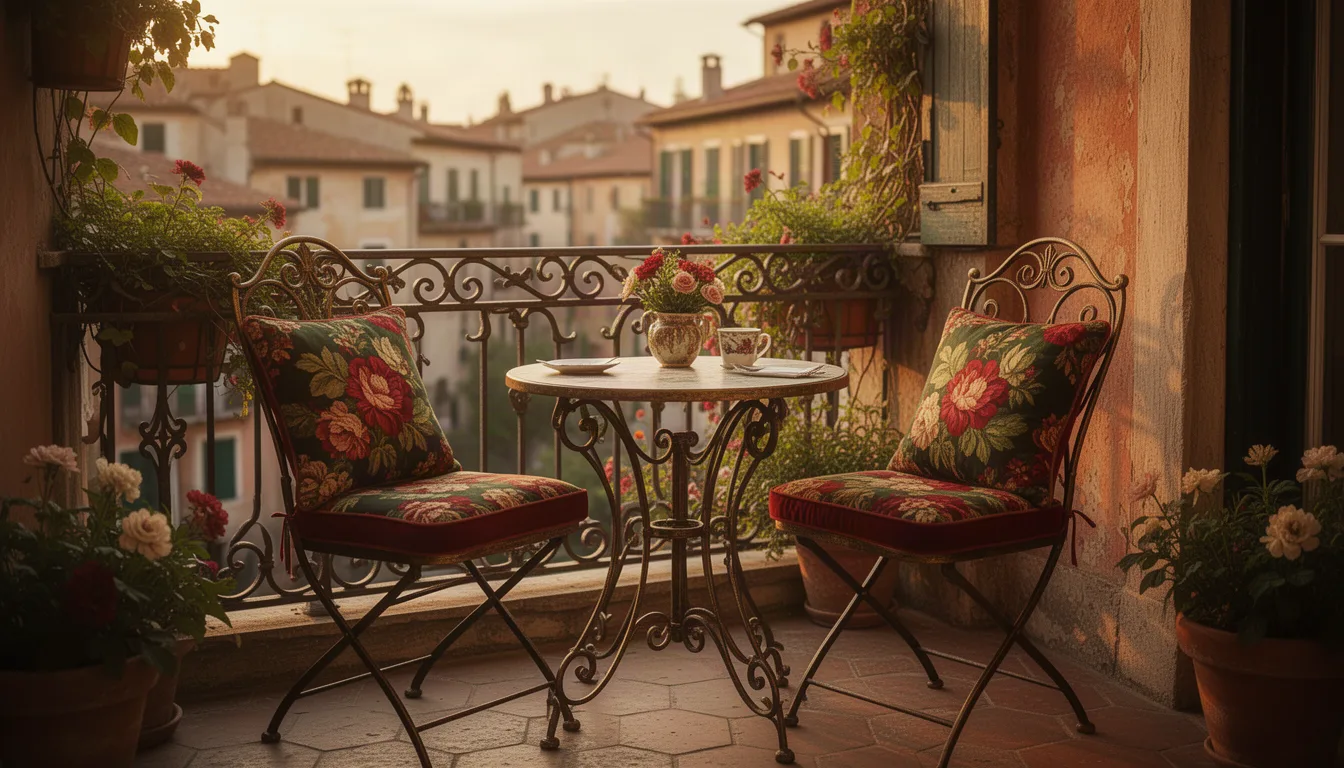
A charming vintage-inspired bistro set with two chairs and a small table featured in a cozy corner of a sunlit European-style terrace. The ironwork details and floral-patterned cushions pop against the rustic backdrop. Warm golden hour light bathes the scene, evoking a nostalgic feel. The palette is rich with deep reds, greens, and golds.
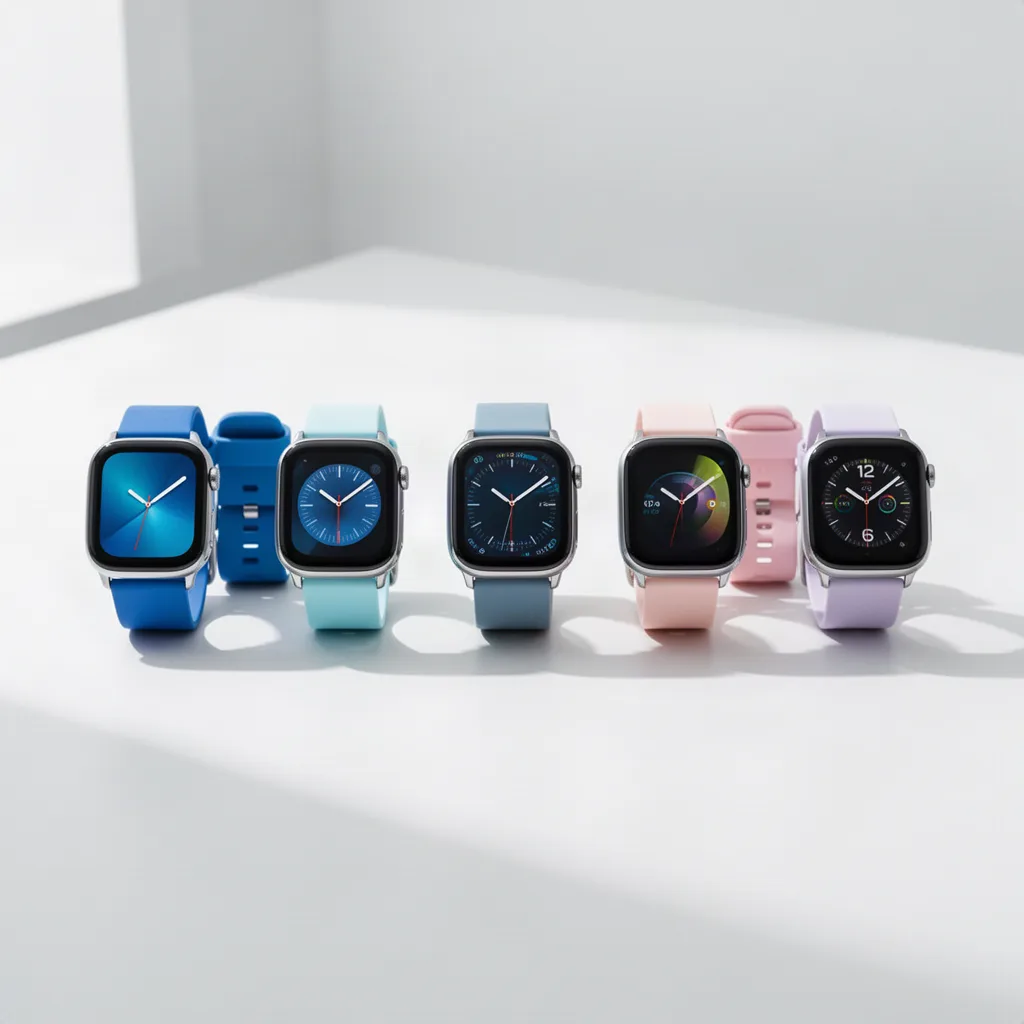
A lineup of modern smartwatches displayed on a minimalist white surface in a bright studio setting. Each watch features a unique strap color, ranging from vibrant blues to subtle pastels. The composition is centered, with watches neatly aligned. Natural light enhances the metallic details, giving a sleek and futuristic appearance.
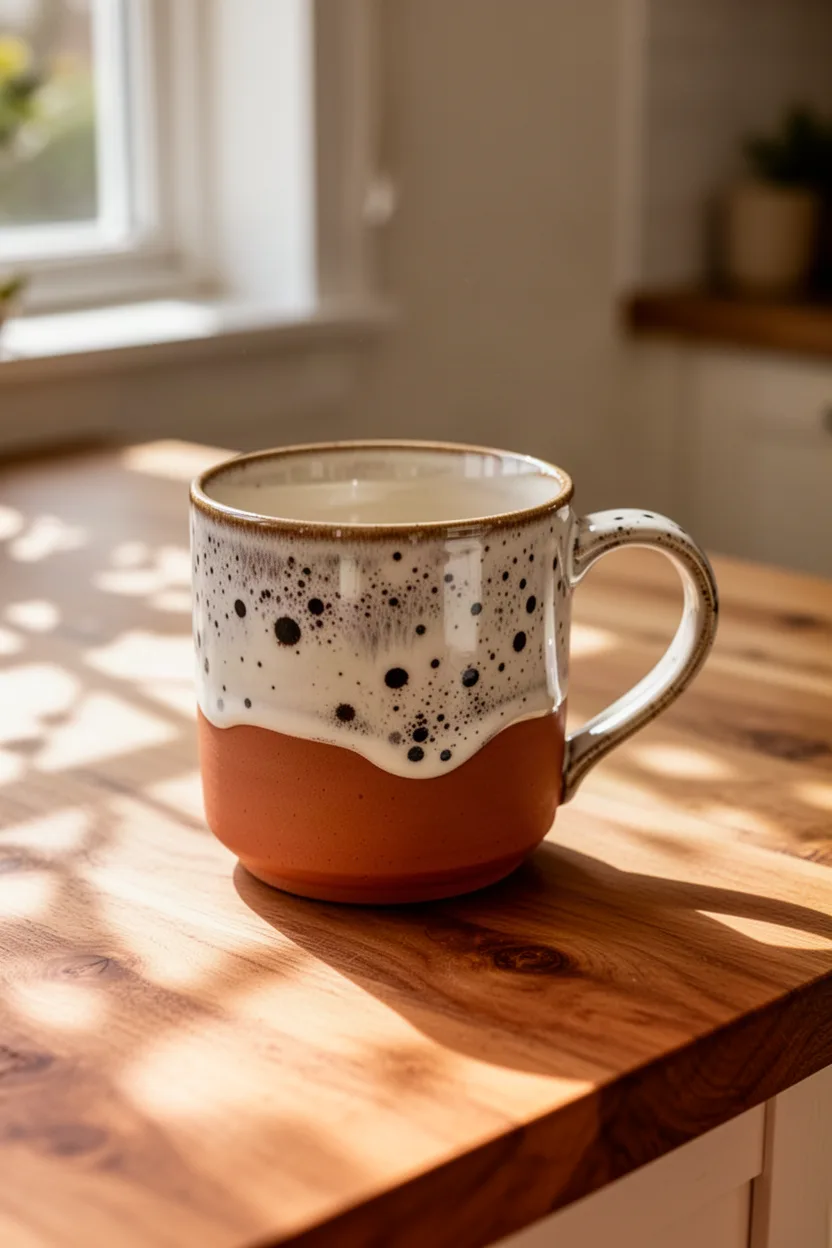
A handcrafted ceramic mug with a unique speckled glaze, showcased on a wooden kitchen tabletop. Sunlight filters through a nearby window, casting delicate shadows. The scene has a cozy, inviting feel, and the color palette includes earthy tones like terracotta and creamy whites, complemented by the natural wood texture.
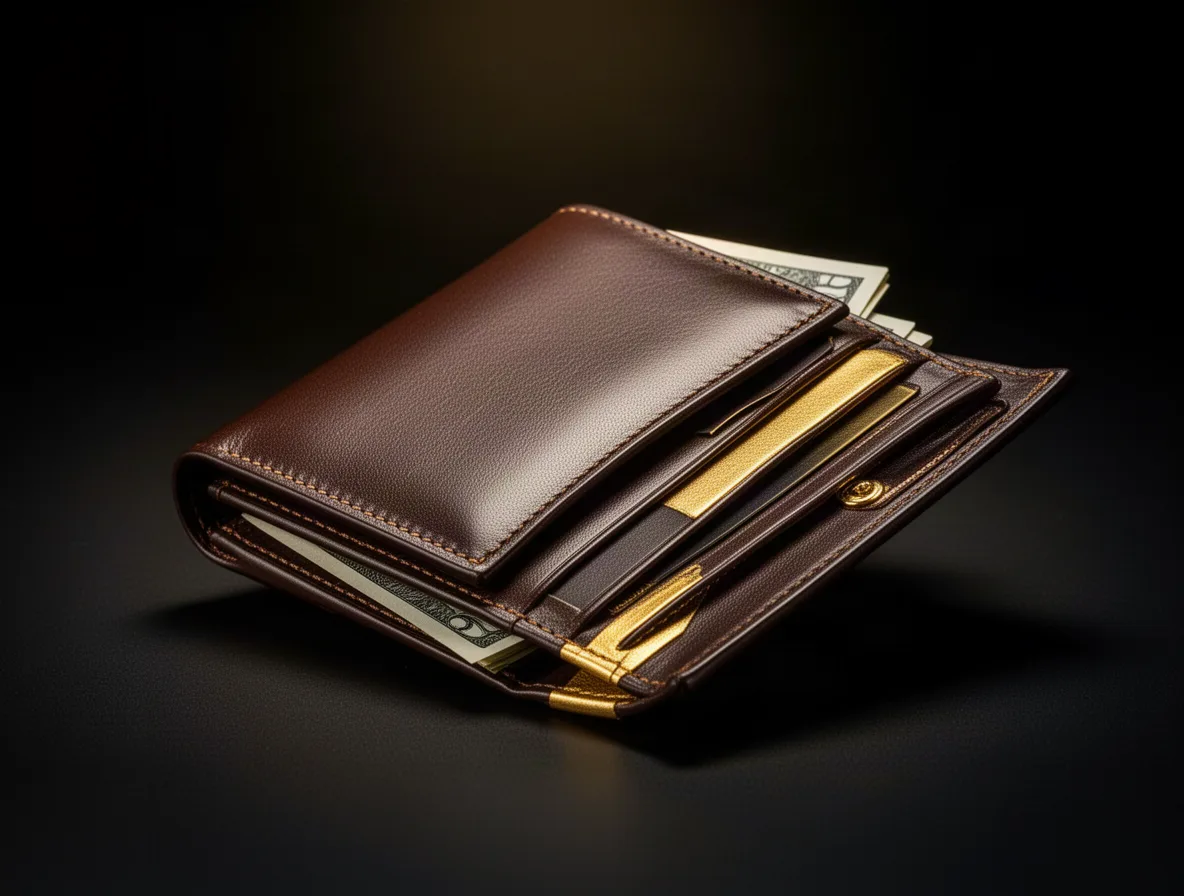
An elegant luxury leather wallet captured in a sophisticated, dark setting. The wallet is open, revealing compartments and a hint of cash peeking out. Dramatic lighting emphasizes the wallet's fine stitching and smooth texture. The color palette mixes deep browns and gold highlights, enhancing its premium quality feel.
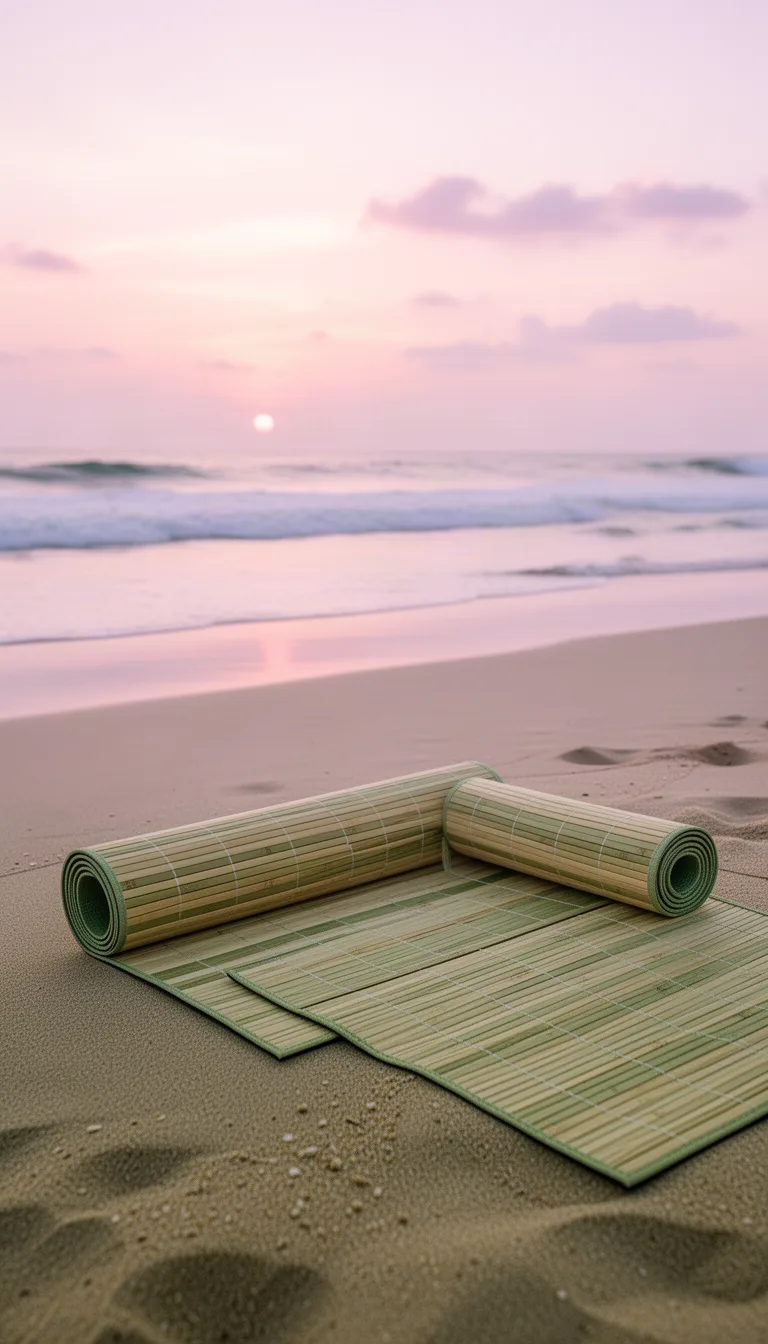
A bamboo yoga mat lies rolled out on a serene beach setting at sunrise. The ocean waves are visible in the background, and soft pastel skies provide a peaceful atmosphere. The mat’s natural tones of beige and greens blend with the sand, creating a harmonious composition focused on relaxation and mindfulness.
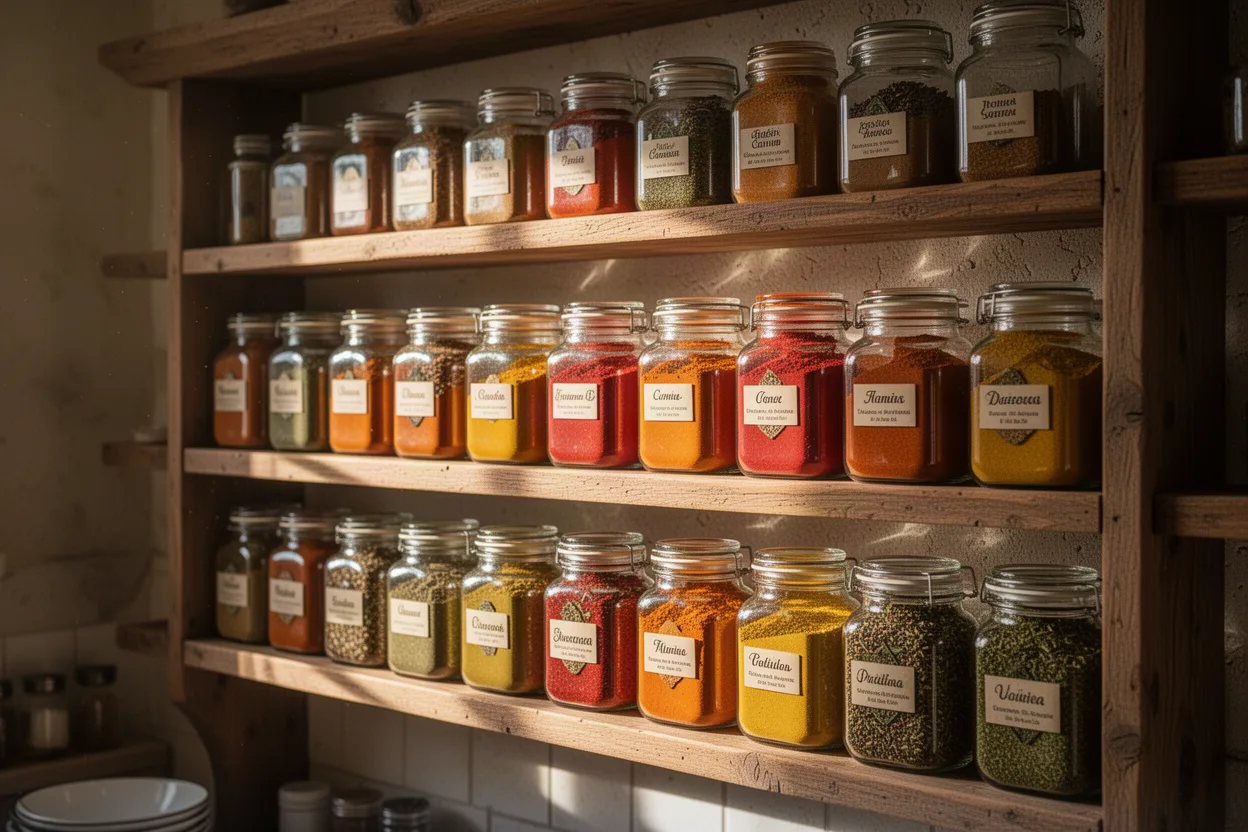
A gourmet spice rack brimming with colorful glass jars, each filled with vibrant spices. Set in a rustic kitchen, the scene is lively and fragrant. Morning light streams in, creating reflections and shadows. The palette is a feast for the eyes, featuring oranges, reds, yellows, and greens set against wooden shelves.
What is GPT Image 2?
GPT Image 2 is the dependable everyday image model on NovaMotions AI. It renders text reliably and understands photo edits written in plain words, like make the sky stormy or put the logo on the mug. Create from a prompt or edit your own image at 1K, 2K or 4K, in any aspect ratio, with up to 4 images per prompt.
- highest resolution
- 4K
- aspect ratios, Auto included
- 9
- images combined in one edit
- 4
What GPT Image 2 does well
The strengths worth knowing before you write your first prompt.
Reliable text rendering
Signs, labels, menus and social graphics come out with readable, correctly spelled text. Quote the words and describe the style.
Edits in plain words
Describe the change the way you would to a designer. GPT Image 2 keeps what you did not mention and changes what you did.
Edit with references
Add up to 3 extra images to an edit, like a logo, a product or a style sample, and describe how to combine them.
Up to 4K
Render at 1K, 2K or 4K. Draft small, then re-run the keeper at a higher resolution.
Every common format
Auto, square, portrait, landscape and 21:9 banners. Nine aspect ratios cover feeds, stories, slides and print.
What you can make with GPT Image 2
Social graphics
Quote cards, announcements and promo tiles with clean text, sized for each platform with the right aspect ratio.
Mockups and merch
Put a logo on a mug, a tote or a storefront from a reference image to preview designs before they are made.
Quick photo fixes
Brighten a dull shot, change the season or tidy a background without opening a photo editor.
How to use GPT Image 2
Four steps from an idea to a finished image, all in the workspace above.
- 01
Choose text or edit
Text to image starts from a blank canvas. Image edit starts from your own photo, with up to 3 extra reference images for products, faces or styles.
- 02
Describe the picture
Write the subject, the setting, the style, the light and any words that should appear. Put on-image text in double quotes so it is spelled exactly.
- 03
Set ratio, size and count
Pick an aspect ratio or Auto, a resolution of 1K, 2K or 4K, and up to 4 images per prompt to compare variations side by side.
- 04
Generate and refine
Download the keeper, send it back to Image edit for small changes, or press Animate to turn it into a video with a video model.
GPT Image 2 vs GPT Image 2.5 vs Nano Banana 2
GPT Image 2 is the balanced pick for text and edits. GPT Image 2.5 adds stronger photorealism, and Nano Banana 2 is quick for multi-reference edits.
| Compare | This modelGPT Image 2 | GPT Image 2.5 | Nano Banana 2 |
|---|---|---|---|
| Best for | Everyday text and plain-word edits | Photoreal hero images | Fast multi-reference edits |
| Ways to create | Text, Edit | Text, Edit | Text, Edit |
| Resolutions | 1K, 2K, 4K | 1K, 2K, 4K | 1K, 2K, 4K |
| Image edit inputs | Up to 4 images | Up to 4 images | Up to 4 images |
| Typical render time | About 25 seconds | About 30 seconds | About 20 seconds |
| Starting price | From 3 credits | From 4 credits | From 3 credits |
GPT Image 2 specs
These limits come straight from the workspace settings, so they always match what you can pick above.
- Ways to create
- Text to image and Image edit
- Resolutions
- 1K, 2K, or 4K
- Aspect ratios
- Auto, 1:1, 2:3, 3:2, 3:4, 4:3, 9:16, 16:9, or 21:9
- Images per prompt
- 1 to 4
- Image edit inputs
- One source image plus up to 3 references
- Prompt length
- Up to 5,000 characters
- Typical render time
- About 25 seconds
- Starting price
- From 3 credits
Prompt examples for GPT Image 2
Press Try this and the prompt lands in the workspace above, ready to generate or tweak.
- Text to image
Cafe menu board
Hand-lettered chalkboard menu on a rustic cafe wall, warm pendant light above. Title "Today's brews" at the top, then three lines reading "Flat white", "Oat latte" and "Cold brew", with small doodles of coffee beans and steam.
- Text to image
Podcast cover
Square podcast cover art, bold flat illustration of two microphones leaning toward each other like they are chatting, bright coral and navy palette. Large rounded title "Small Talk Big Ideas" across the middle, clean and legible.
- Image edit
Logo on a tote
Place the logo from the second image on the front of the canvas tote bag in the first image, printed in black ink, slightly following the fabric folds. Keep the bag, lighting and background unchanged.
Try thisAdd your own image first
GPT Image 2 questions
Short answers about modes, limits, credits and rights.
Ready to try GPT Image 2?
The workspace is at the top of this page. Generations start from 3 credits, and failed jobs return their credits automatically.
Still have a question?
Our team answers within one business day. The prompt guide covers references, camera moves, text and sound.
What is GPT Image 2?
GPT Image 2 is an image model on NovaMotions AI known for reliable text and natural-language photo edits. It works at 1K, 2K or 4K in nine aspect ratios, with up to 4 images per prompt.
What kinds of edits can I describe?
Background swaps, color changes, removing objects, changing the time of day or the season, adding a product or a logo. Say what to change and what to keep, for example keep the face and pose.
How many images can I add to an edit?
One source image plus up to 3 extra reference images. Refer to them in order, for example the logo from the second image.
How do I get clean text on an image?
Quote the exact words, keep phrases short and describe the type, like bold rounded letters on the sign. Ask for one or two text elements per image for the best spelling.
Which sizes and aspect ratios are available?
1K, 2K or 4K, in Auto, 1:1, 2:3, 3:2, 3:4, 4:3, 9:16, 16:9 or 21:9.
Can I animate a GPT Image 2 picture?
Yes. Press Animate on any result to open it in a video workspace as the first frame, then describe the motion.
When should I pick GPT Image 2.5 instead?
When photorealism matters most, such as hero product shots and lifestyle ads. GPT Image 2 costs fewer credits and is the better choice for everyday graphics and edits.
How many credits does a GPT Image 2 image use?
It depends on the resolution, the number of images per prompt and whether you edit an image. The exact amount shows on the Generate button before you spend anything, and the same balance works for video, images and music.
What happens if a GPT Image 2 generation fails?
Every credit goes straight back to your balance automatically. There is nothing to claim or report. Adjust the prompt or the settings and try again.
Can I use GPT Image 2 images commercially?
Yes. Every plan includes commercial use and downloads have no watermark. You are still responsible for what you make, so avoid real people, logos or characters you do not have the rights to.
Explore more models
One credit balance works for every model. Switch any time from the sidebar.