GPT Image 2.5 AI image generator
Photoreal quality, precise text and pixel-level editing
- Clean text
- Photoreal
- Up to 4K
- Name the style: photo, poster, 3D, illustration.
- Put the exact text you want in quotes.
- Describe light and lens for photoreal results.
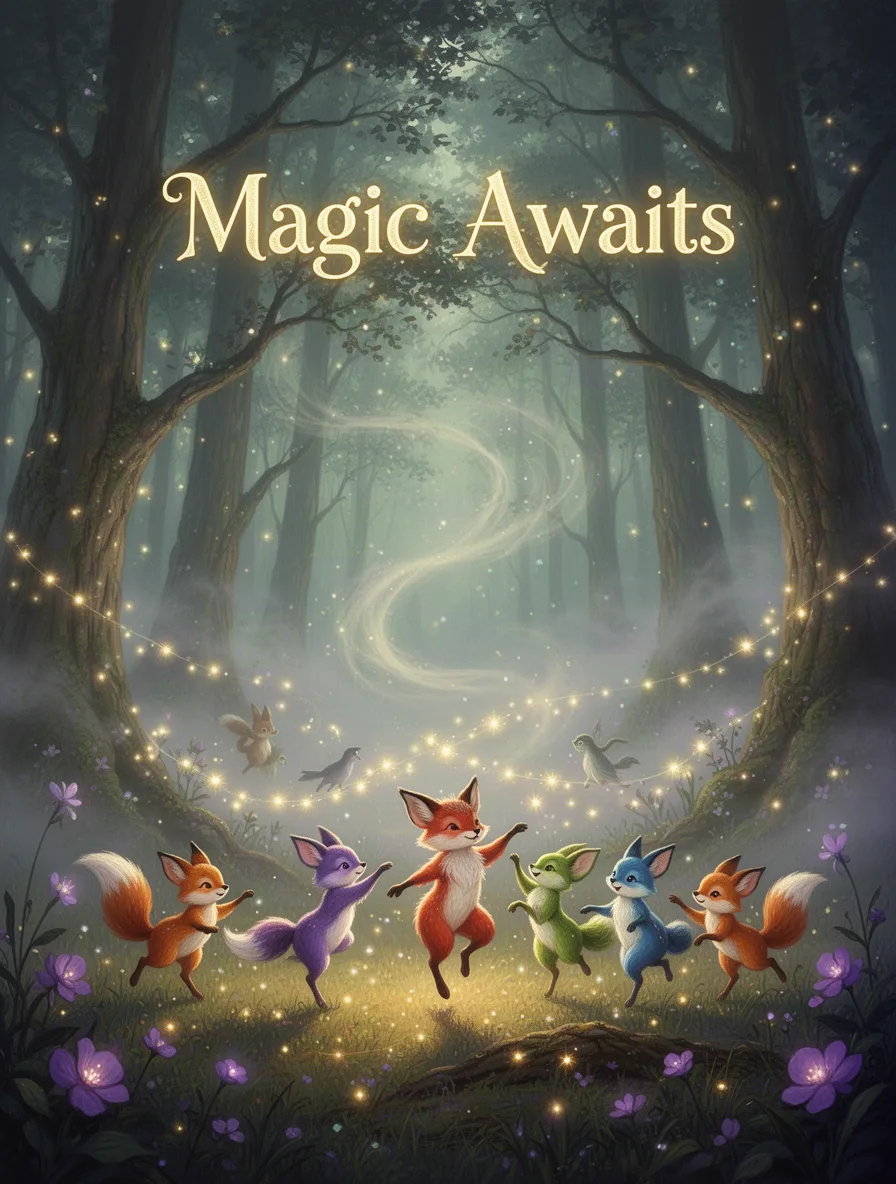
A mystical forest scene with glowing trees and soft, swirling fog. In the foreground, colorful woodland creatures dance under shimmering fairy lights. The headline 'Magic Awaits' hovers above. Style: whimsical fantasy. Lighting: ethereal and gentle. Lens: wide-angle. Color palette: greens, purples, and golds.
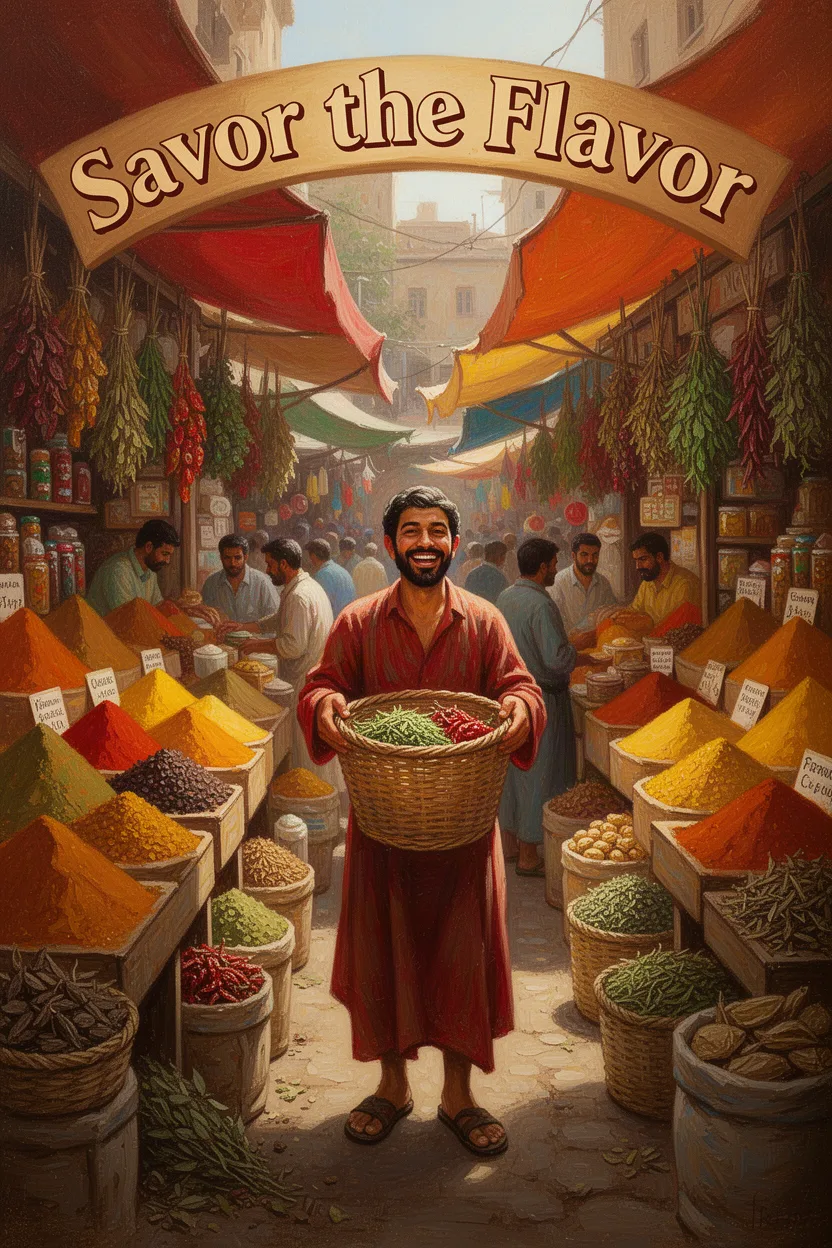
A bustling spice market with vibrant stalls overflowing with colorful spices and herbs. A central figure holds a woven basket with a joyful expression. The headline 'Savor the Flavor' arches above. Style: warm and inviting. Lighting: natural sunlight. Medium: oil painting. Color palette: reds, oranges, yellows.
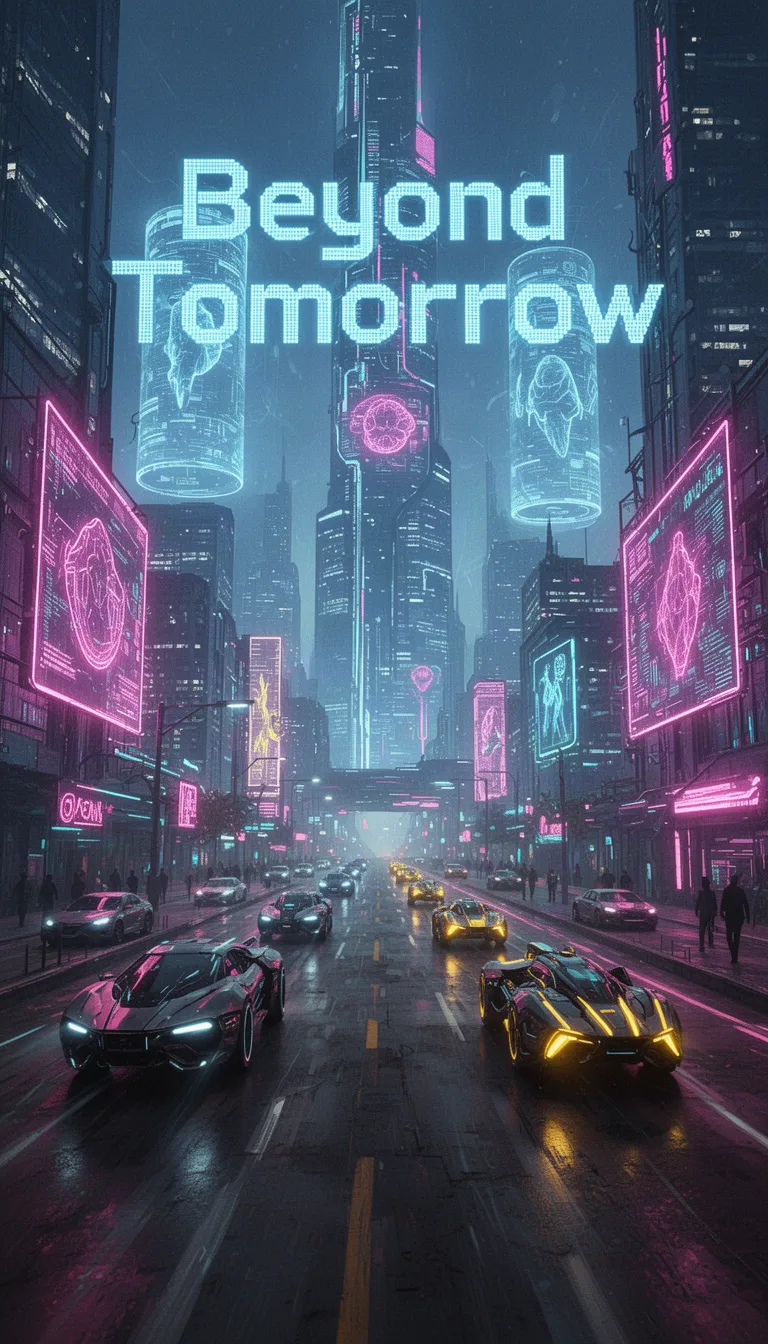
A neon-lit cityscape bustling with futuristic vehicles and towering holograms. The headline 'Beyond Tomorrow' is emblazoned in digital font. Setting: urban future. Style: cyberpunk. Lighting: neon and fluorescence. Medium: digital collage. Color palette: electric blues, neon pinks, and glowing yellows.
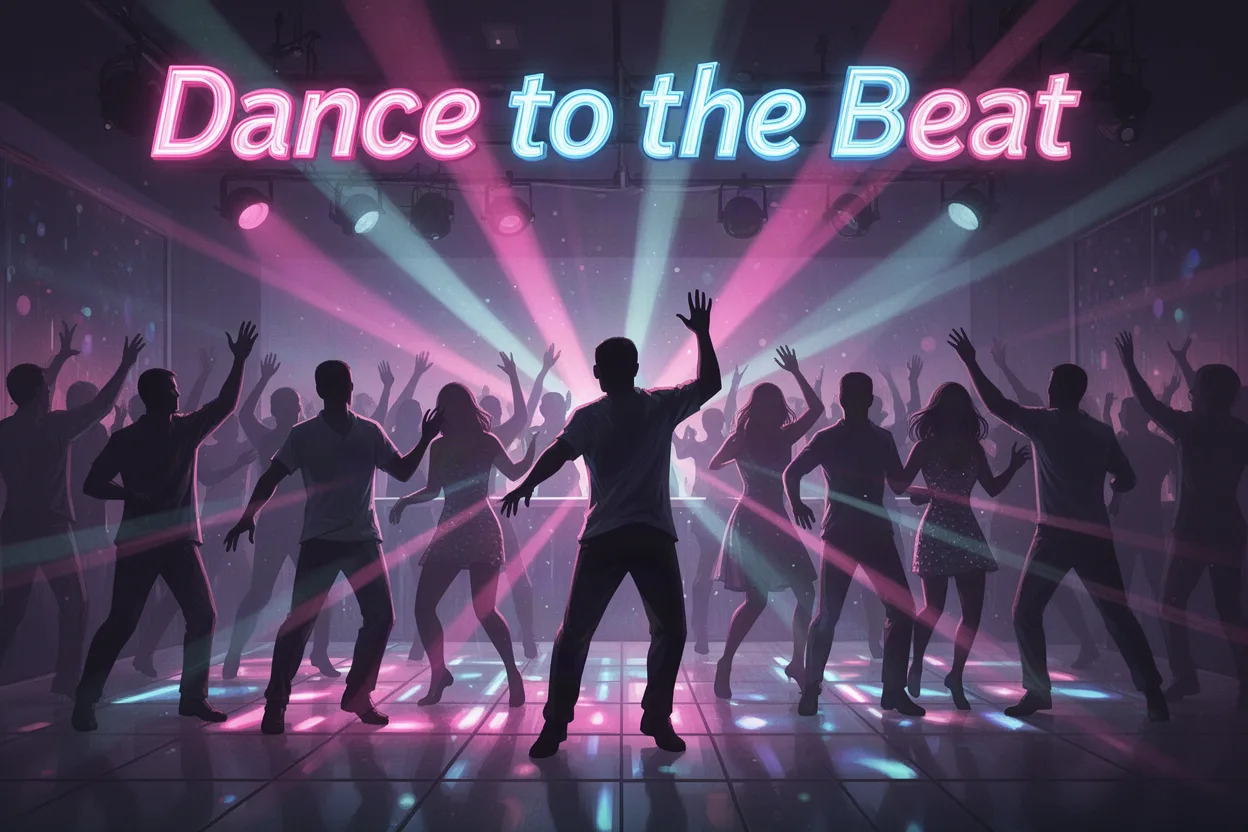
A lively dance floor filled with silhouettes moving to the beat under colorful strobe lights. The headline 'Dance to the Beat' vibrates at the top. Setting: nightclub. Style: dynamic and energetic. Lighting: vibrant and pulsing. Medium: digital illustration. Color palette: neon pinks, blues, and purples.
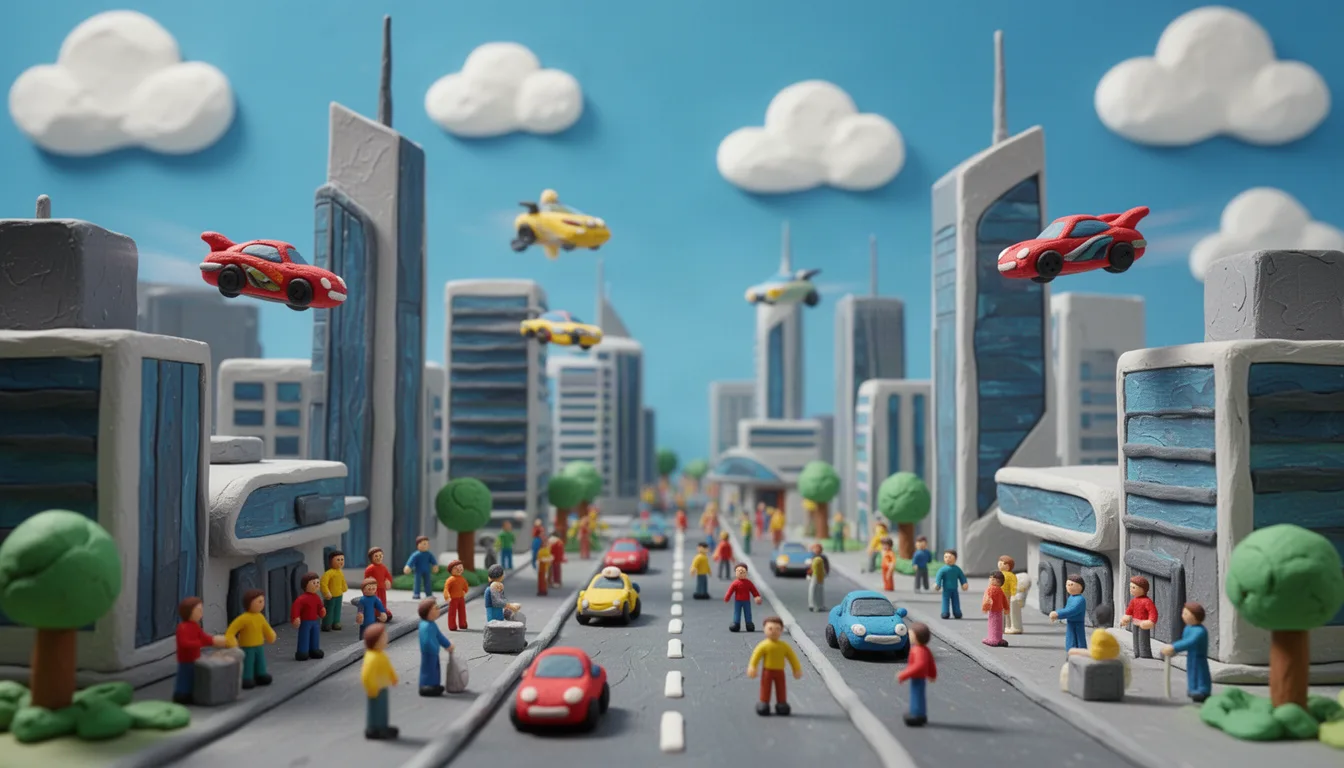
Toy-like scene of a futuristic city crafted from clay, featuring sleek buildings, flying cars, and tiny clay people. The scene is lively and bustling, set under a bright blue sky with fluffy clouds. Bold, cheerful colors bring the city to life.
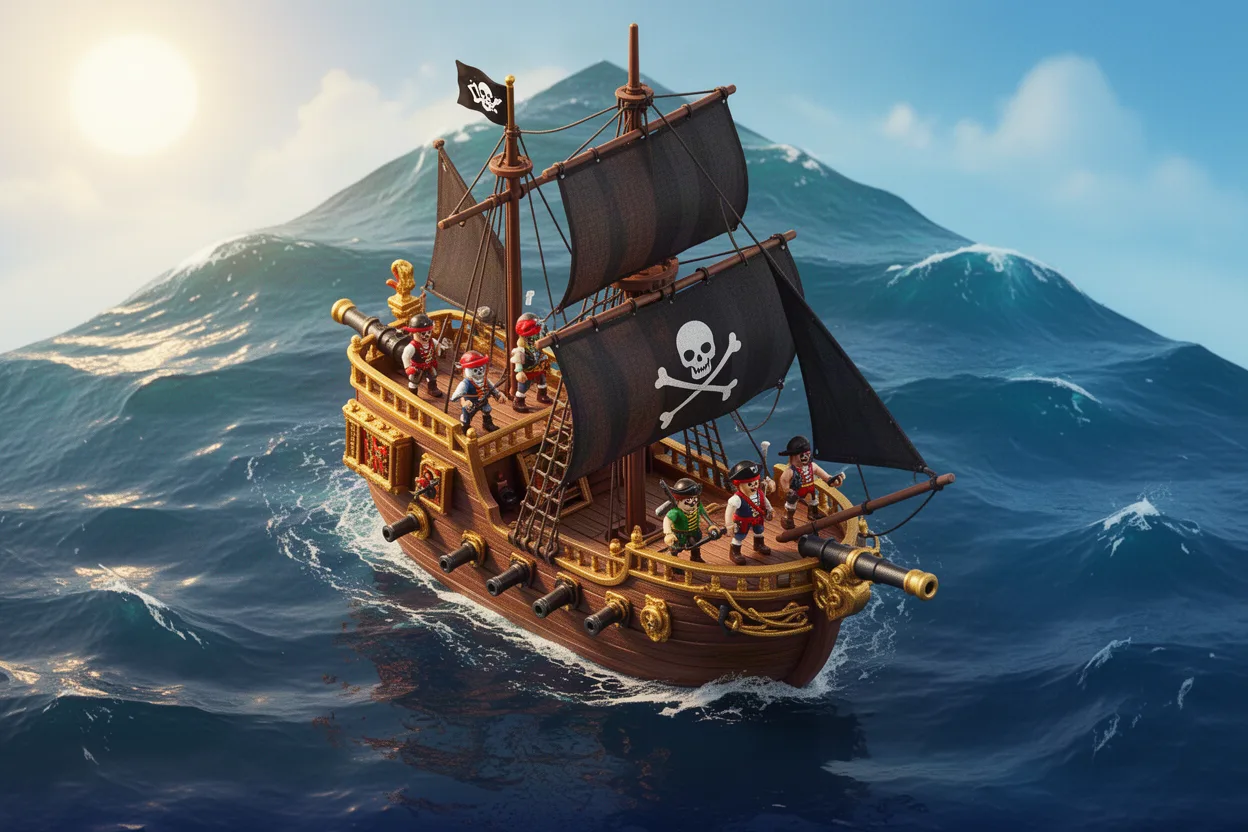
Isometric view of a pirate ship on the high seas, complete with sails, cannons, and a playful crew of toy-like pirates. The ocean is stylized with gentle waves under a bright sunny sky. The palette includes deep blues and fiery gold.
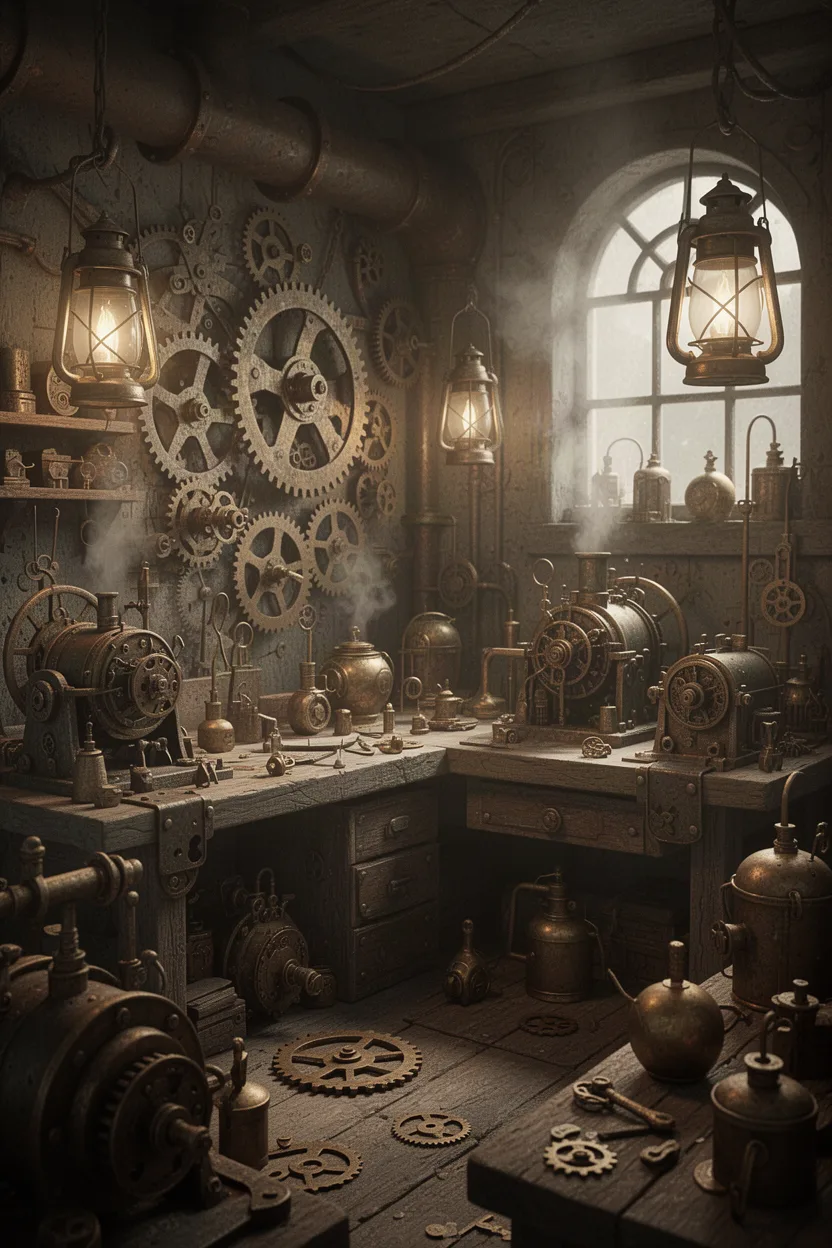
A detailed 3D scene of a steampunk workshop, filled with intricate gears, steam-powered machines, and brass gadgets. The setting is cluttered yet organized, with soft glowing lanterns providing ambient lighting. The color scheme includes aged metals and sepia tones.
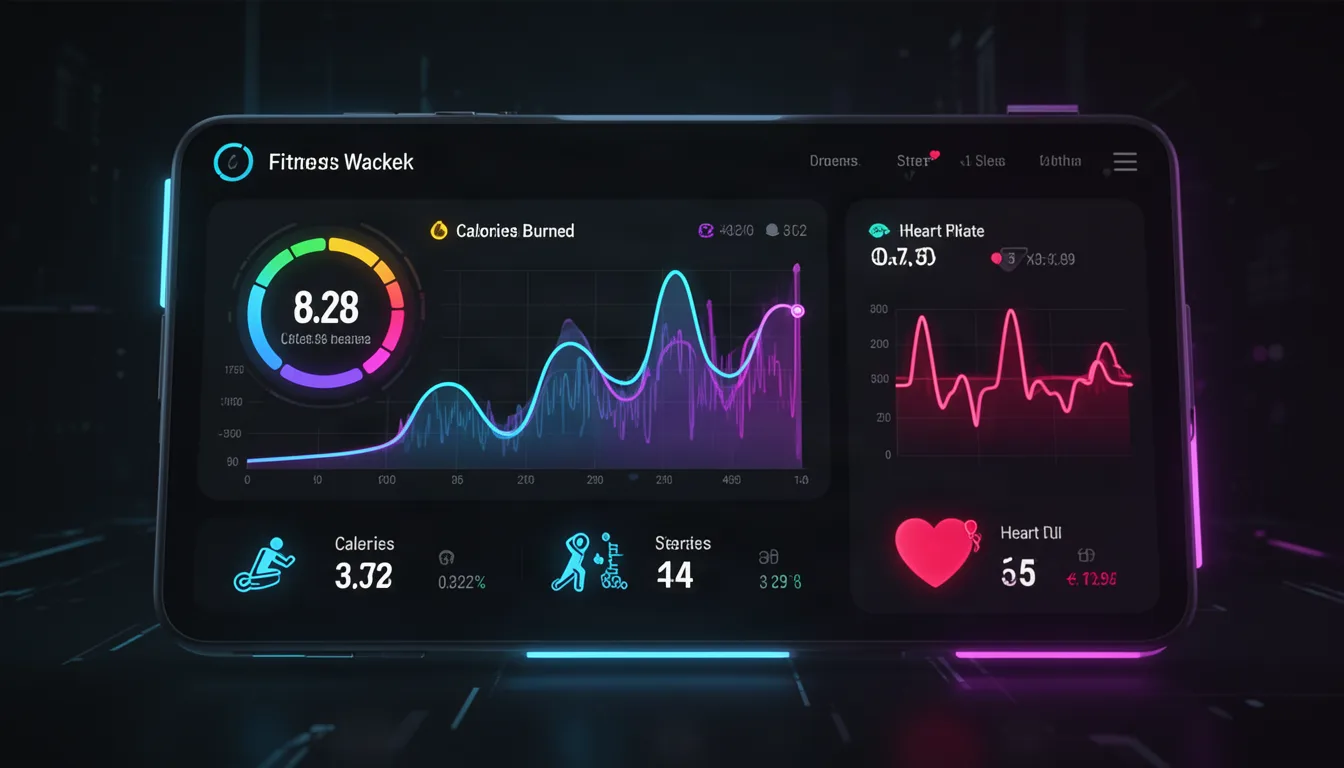
A sleek and modern fitness tracker app dashboard featuring vibrant graphs and minimalistic icons. The screen displays calories burned, steps taken, and heart rate, with a clean interface. Bright neon accents contrast against a dark background, designed for a health-conscious audience. Futuristic UI style with smooth transitions.
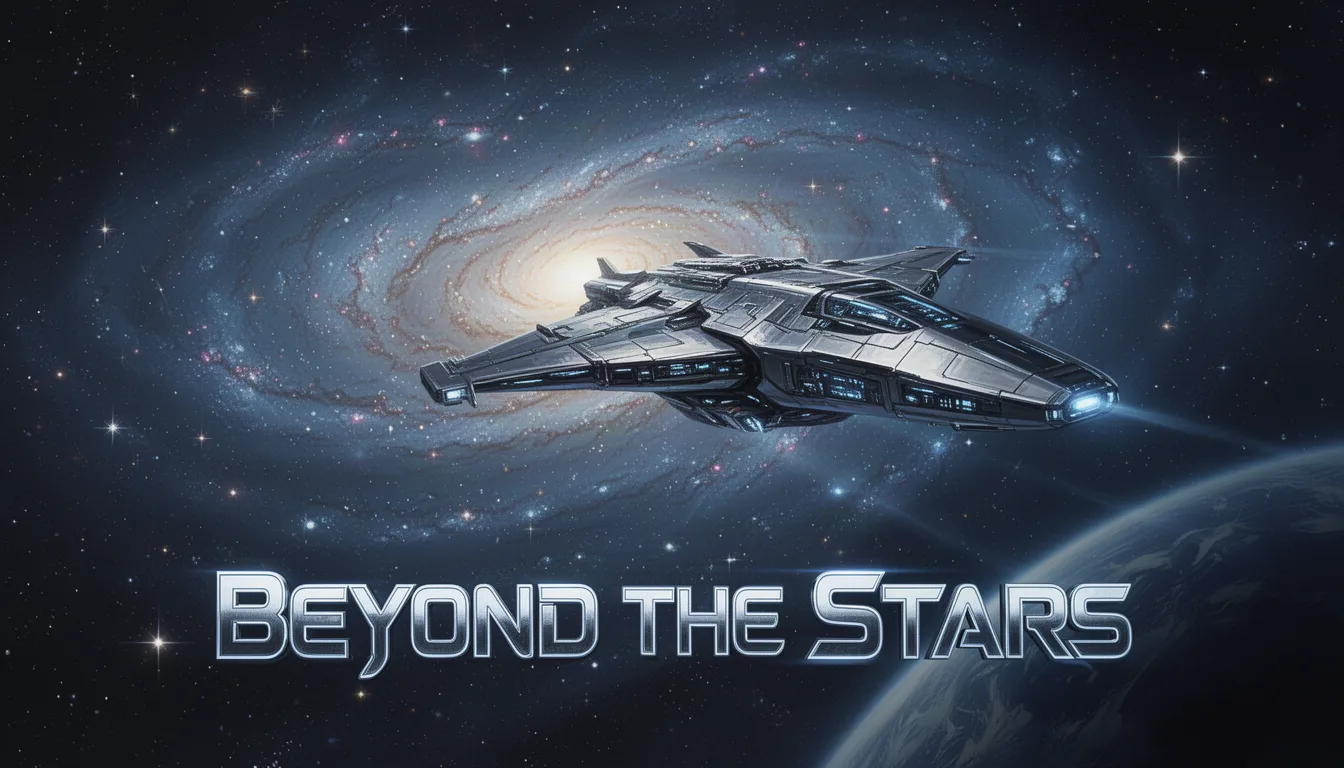
A futuristic spaceship glides past a distant galaxy, its sleek design reflecting the twinkling stars. Below, the text 'Beyond the Stars' in bold, stylized letters. Setting: outer space. Style: sci-fi realism. Lighting: cosmic glow. Medium: digital painting. Color palette: deep blues, silvers, and blacks.
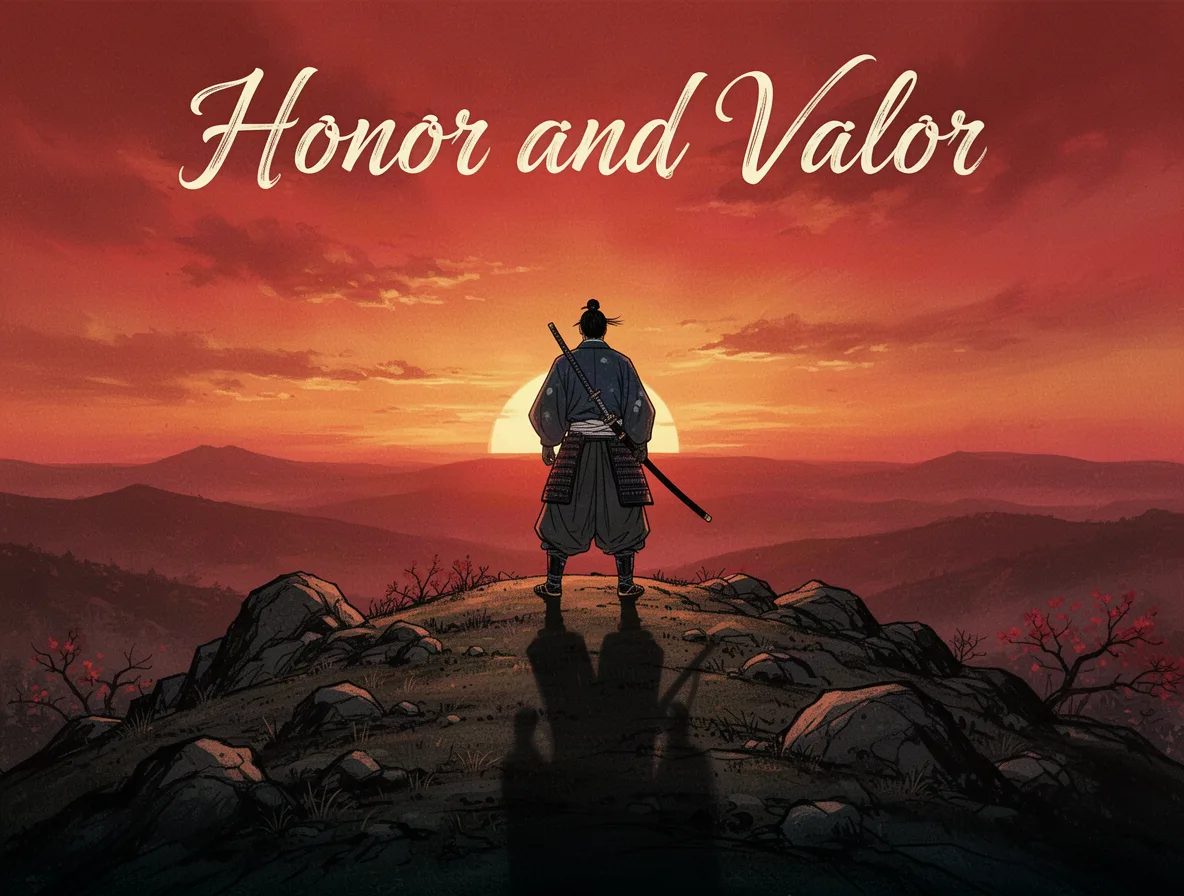
A lone samurai stands on a rocky hilltop, gazing into the horizon at sunset. His shadow stretches long across the ground. The headline 'Honor and Valor' in elegant script at the top. Style: traditional Japanese. Lighting: dramatic sunset. Lens: telephoto. Color palette: reds, oranges, and blacks.
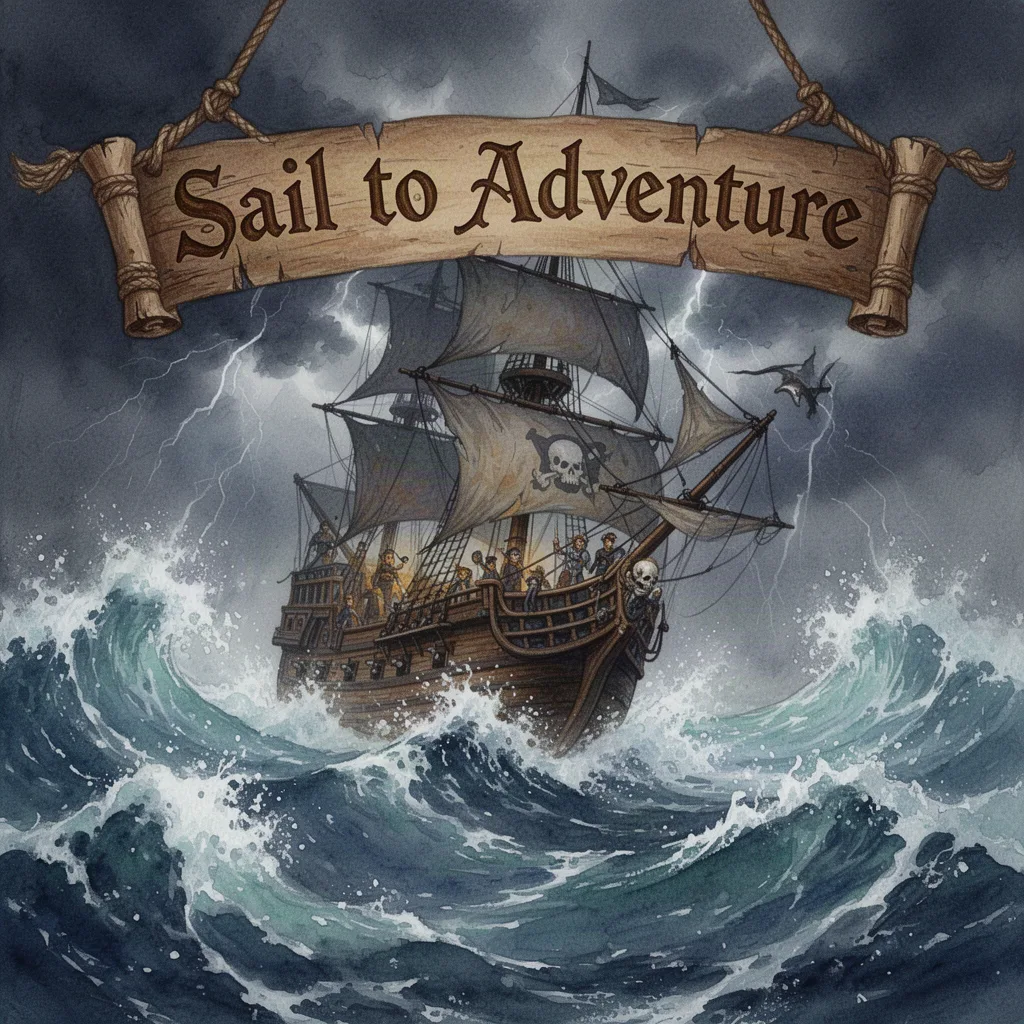
An adventurous pirate ship battles fierce ocean waves under a stormy sky. The headline 'Sail to Adventure' is carved into a wooden banner. Style: swashbuckling fantasy. Lighting: stormy and tumultuous. Medium: watercolor. Color palette: deep blues, grays, and browns.
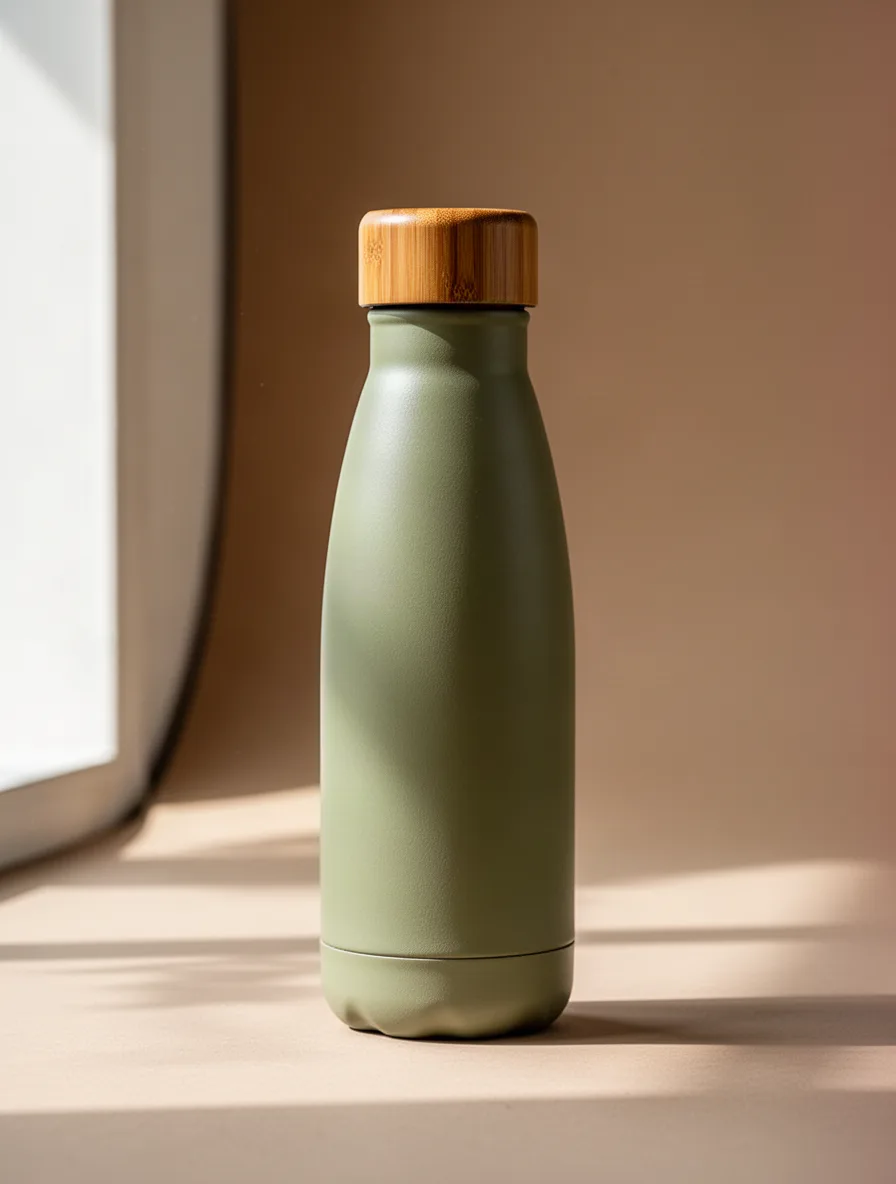
A sleek, eco-friendly water bottle designed with a bamboo cap, set against a neutral studio background. Focus on the bottle's texture and elegant curves. Soft daylight streaming in from the left highlights its contours. Earth-toned colors dominate the palette, including soft greens and browns.
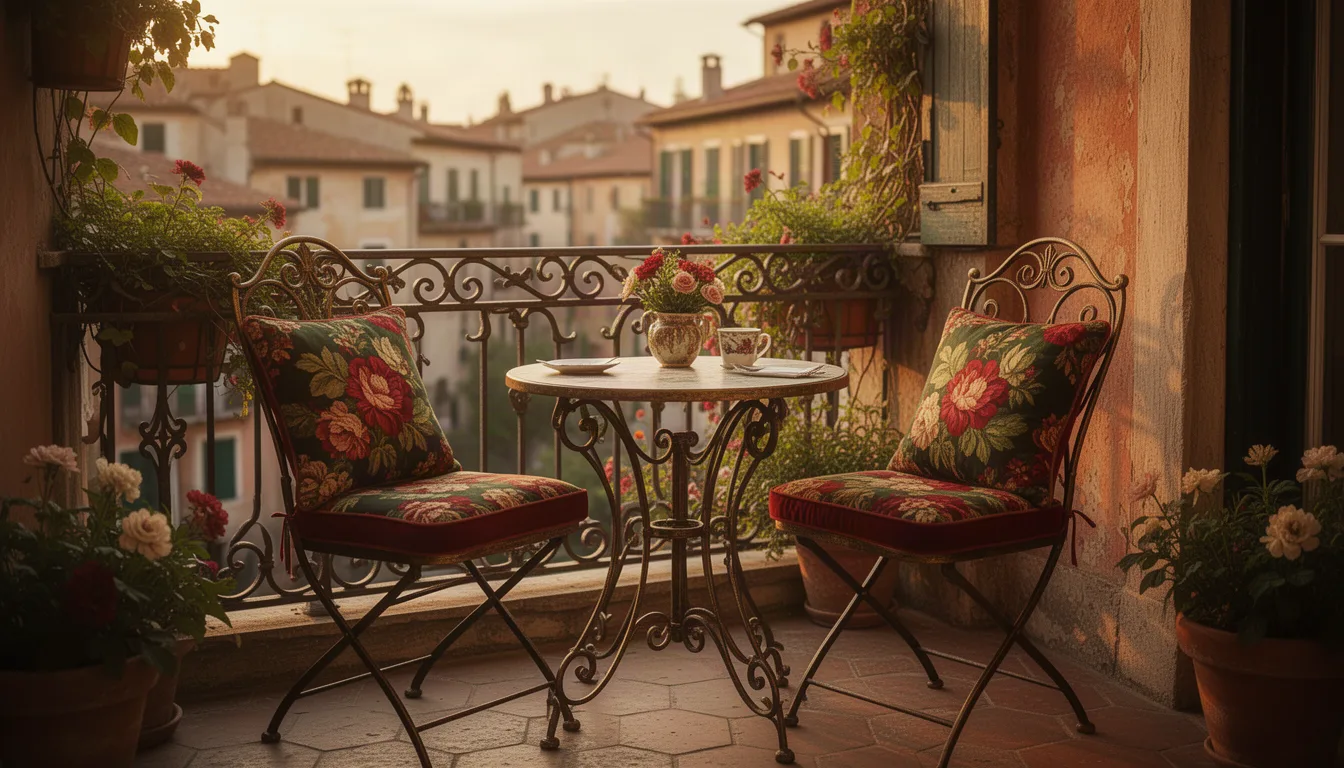
A charming vintage-inspired bistro set with two chairs and a small table featured in a cozy corner of a sunlit European-style terrace. The ironwork details and floral-patterned cushions pop against the rustic backdrop. Warm golden hour light bathes the scene, evoking a nostalgic feel. The palette is rich with deep reds, greens, and golds.
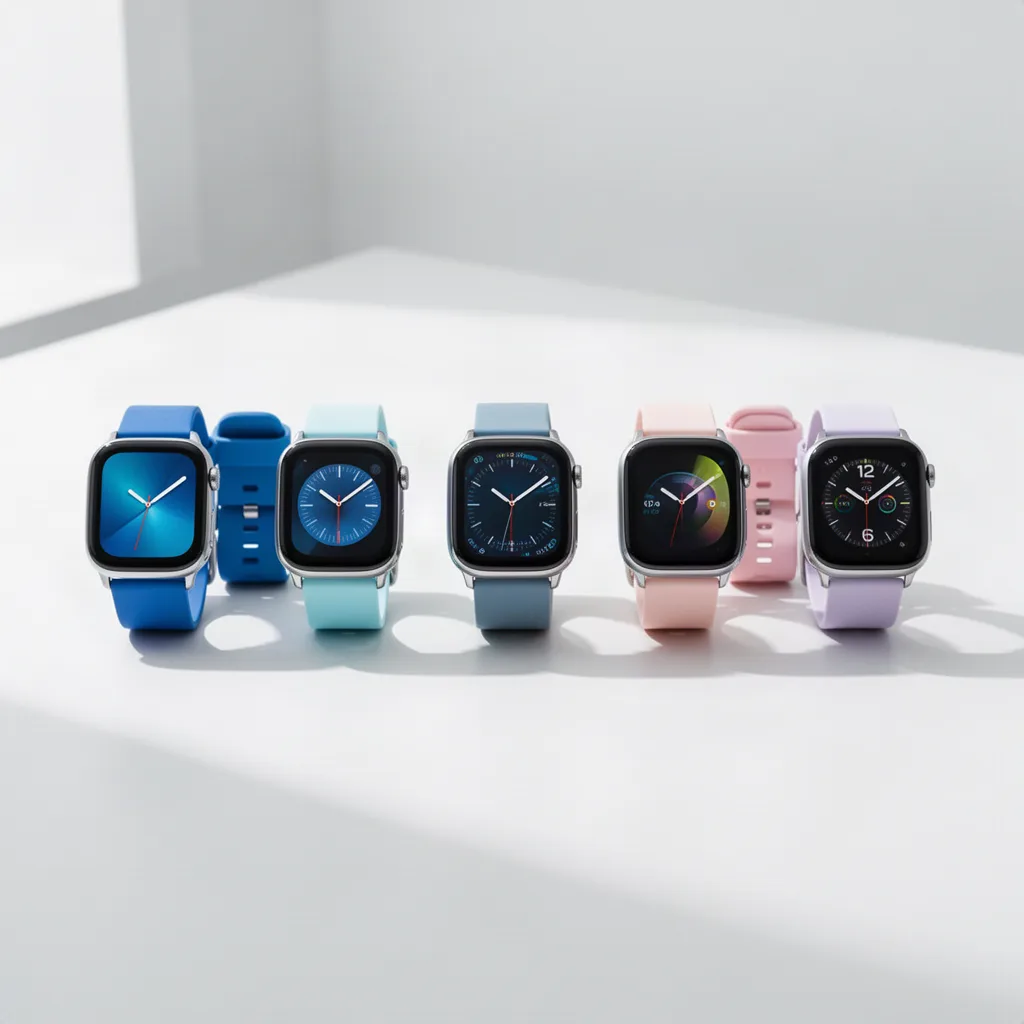
A lineup of modern smartwatches displayed on a minimalist white surface in a bright studio setting. Each watch features a unique strap color, ranging from vibrant blues to subtle pastels. The composition is centered, with watches neatly aligned. Natural light enhances the metallic details, giving a sleek and futuristic appearance.
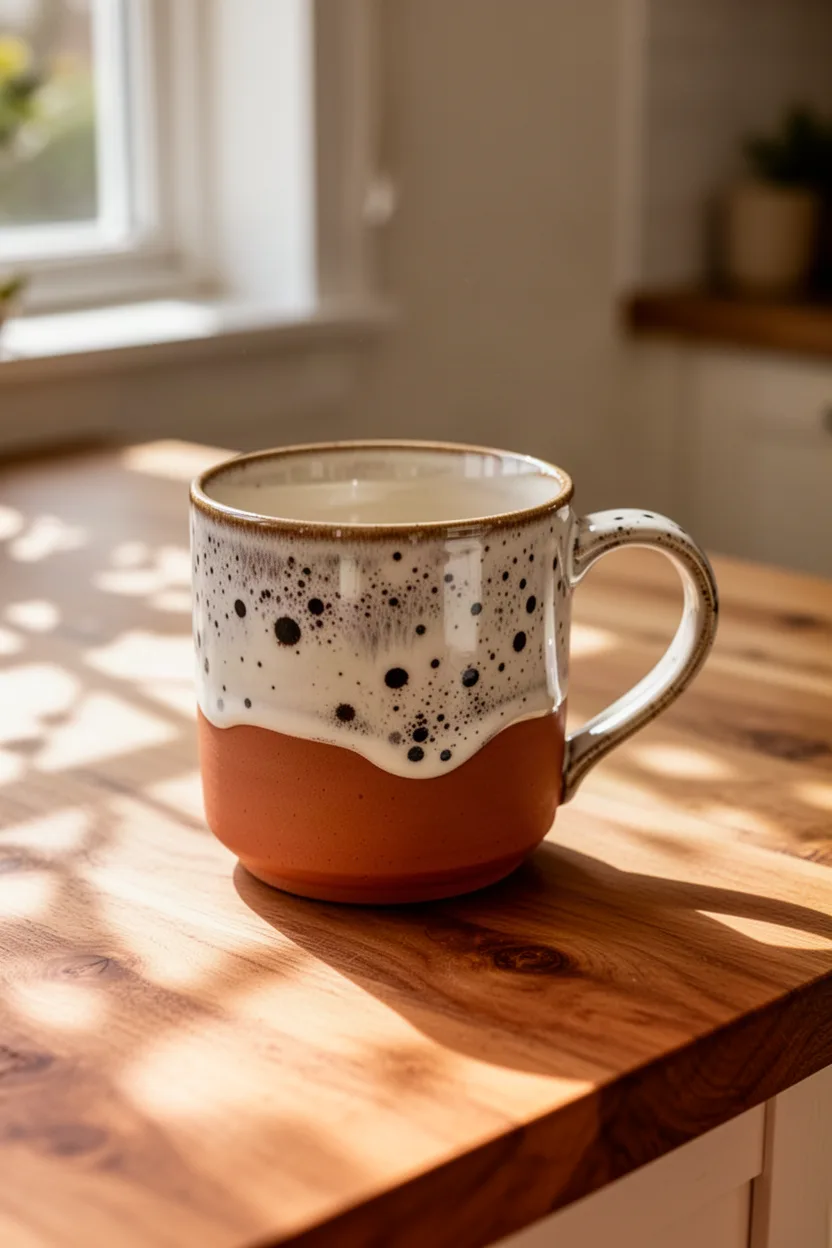
A handcrafted ceramic mug with a unique speckled glaze, showcased on a wooden kitchen tabletop. Sunlight filters through a nearby window, casting delicate shadows. The scene has a cozy, inviting feel, and the color palette includes earthy tones like terracotta and creamy whites, complemented by the natural wood texture.
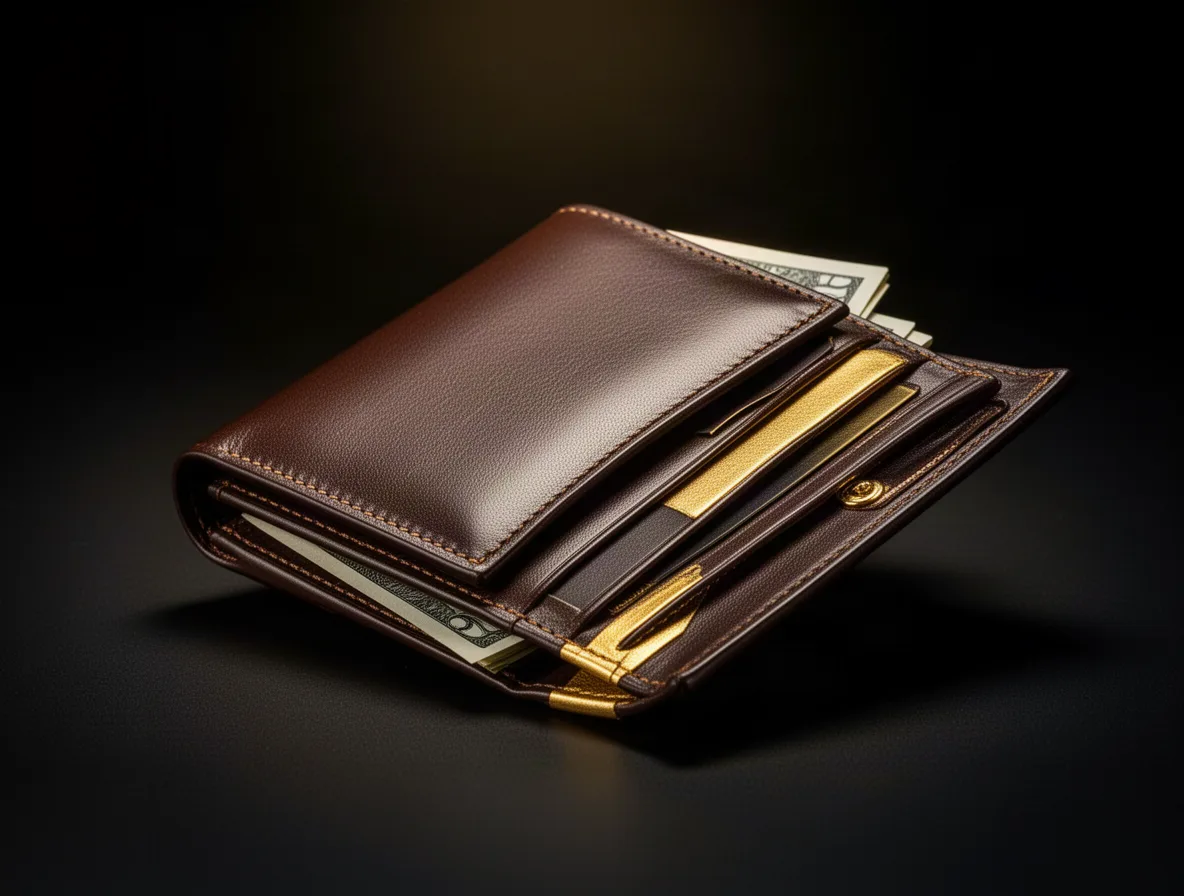
An elegant luxury leather wallet captured in a sophisticated, dark setting. The wallet is open, revealing compartments and a hint of cash peeking out. Dramatic lighting emphasizes the wallet's fine stitching and smooth texture. The color palette mixes deep browns and gold highlights, enhancing its premium quality feel.
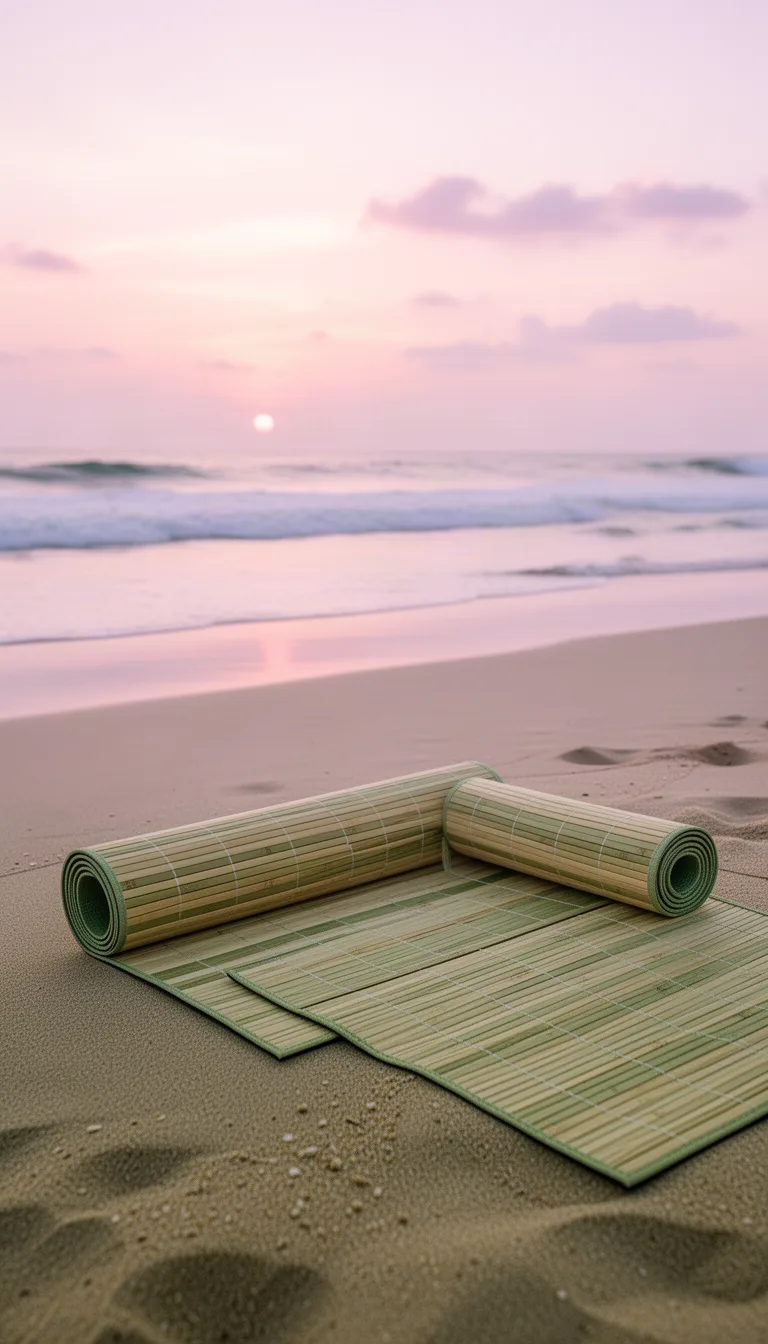
A bamboo yoga mat lies rolled out on a serene beach setting at sunrise. The ocean waves are visible in the background, and soft pastel skies provide a peaceful atmosphere. The mat’s natural tones of beige and greens blend with the sand, creating a harmonious composition focused on relaxation and mindfulness.
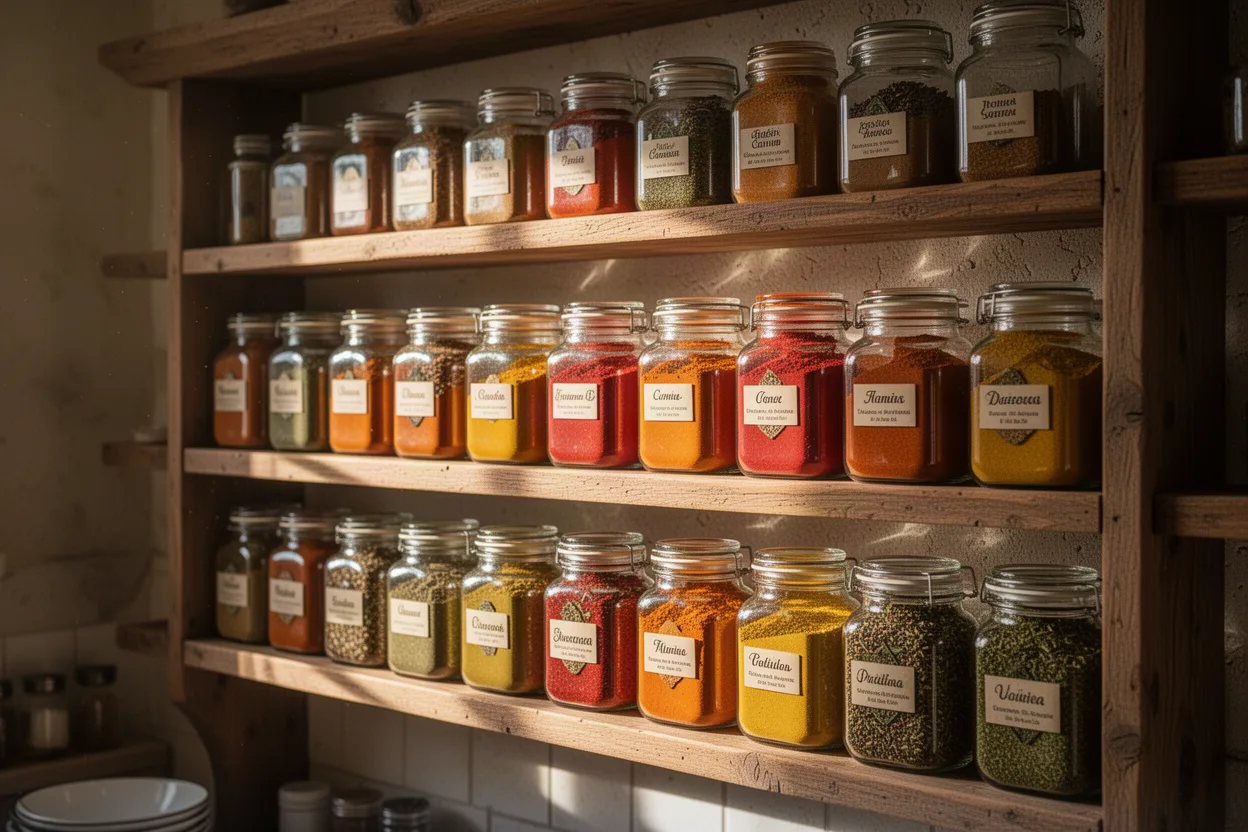
A gourmet spice rack brimming with colorful glass jars, each filled with vibrant spices. Set in a rustic kitchen, the scene is lively and fragrant. Morning light streams in, creating reflections and shadows. The palette is a feast for the eyes, featuring oranges, reds, yellows, and greens set against wooden shelves.
What is GPT Image 2.5?
GPT Image 2.5 is the premium image model on NovaMotions AI for photoreal pictures with clean, accurate text. It creates images from a prompt or edits your own photo with plain-language instructions, at 1K, 2K or 4K and in any aspect ratio from 9:16 to 21:9. Use it for ads, posters and product shots that have to look finished.
- highest resolution
- 4K
- aspect ratios, Auto included
- 9
- images combined in one edit
- 4
What GPT Image 2.5 does well
The strengths worth knowing before you write your first prompt.
Photoreal detail
Skin, fabric, glass and food look convincingly real, with natural light falloff and believable reflections. Ideal when the picture should pass as a photo.
Precise on-image text
Headlines, labels and signs come out spelled the way you wrote them. Put the words in double quotes and say where they go.
Pixel-level edits
Upload a photo and describe the change, like swapping the background or the color of a jacket. The rest of the image stays as it was.
1K, 2K and 4K
Render at 1K for quick ideas, then at 2K or 4K for print, large banners and high-density screens.
Up to 4 images per prompt
Generate up to four variations at once to compare compositions, then refine the best one with an edit.
What you can make with GPT Image 2.5
Ad creatives with copy
Product, headline and call to action in one image, with the text sharp enough to publish without a design pass.
Retouching and swaps
Change a background, remove a distraction or try a product in a new color without reshooting.
Posters and covers
Event posters, book covers and thumbnails where the typography is part of the design.
How to use GPT Image 2.5
Four steps from an idea to a finished image, all in the workspace above.
- 01
Choose text or edit
Text to image starts from a blank canvas. Image edit starts from your own photo, with up to 3 extra reference images for products, faces or styles.
- 02
Describe the picture
Write the subject, the setting, the style, the light and any words that should appear. Put on-image text in double quotes so it is spelled exactly.
- 03
Set ratio, size and count
Pick an aspect ratio or Auto, a resolution of 1K, 2K or 4K, and up to 4 images per prompt to compare variations side by side.
- 04
Generate and refine
Download the keeper, send it back to Image edit for small changes, or press Animate to turn it into a video with a video model.
GPT Image 2.5 vs GPT Image 2 vs Nano Banana Pro
All three handle text well and reach 4K. GPT Image 2.5 adds the strongest photorealism, GPT Image 2 is the lower cost everyday option, and Nano Banana Pro excels at keeping characters consistent.
| Compare | This modelGPT Image 2.5 | GPT Image 2 | Nano Banana Pro |
|---|---|---|---|
| Best for | Photoreal ads with exact text | Everyday text-heavy graphics | Consistent characters in 4K |
| Ways to create | Text, Edit | Text, Edit | Text, Edit |
| Resolutions | 1K, 2K, 4K | 1K, 2K, 4K | 1K, 2K, 4K |
| Image edit inputs | Up to 4 images | Up to 4 images | Up to 4 images |
| Typical render time | About 30 seconds | About 25 seconds | About 30 seconds |
| Starting price | From 4 credits | From 3 credits | From 5 credits |
GPT Image 2.5 specs
These limits come straight from the workspace settings, so they always match what you can pick above.
- Ways to create
- Text to image and Image edit
- Resolutions
- 1K, 2K, or 4K
- Aspect ratios
- Auto, 1:1, 2:3, 3:2, 3:4, 4:3, 9:16, 16:9, or 21:9
- Images per prompt
- 1 to 4
- Image edit inputs
- One source image plus up to 3 references
- Prompt length
- Up to 5,000 characters
- Typical render time
- About 30 seconds
- Starting price
- From 4 credits
Prompt examples for GPT Image 2.5
Press Try this and the prompt lands in the workspace above, ready to generate or tweak.
- Text to image
Perfume splash ad
Luxury fragrance advertisement: a dark amber glass bottle on wet black stone, a crown of golden liquid splashing around it, droplets frozen mid-air. Low angle, dramatic rim light, deep teal backdrop. Elegant serif headline at the top reading "NOCTURNE" and small text below reading "Eau de parfum".
- Text to image
Farmers market poster
Bright illustrated poster for a summer farmers market, baskets of peaches, tomatoes and sunflowers, cheerful hand-drawn style. Big bold title "Saturday Market" at the top, smaller line "Every week, 8 to 1" at the bottom, warm yellow and green palette.
- Image edit
New background
Keep the person, pose and clothing exactly the same. Replace the background with a sunlit Mediterranean terrace overlooking the sea, matching the light direction and adding a soft warm glow on the skin.
Try thisAdd your own image first
GPT Image 2.5 questions
Short answers about modes, limits, credits and rights.
Ready to try GPT Image 2.5?
The workspace is at the top of this page. Generations start from 4 credits, and failed jobs return their credits automatically.
Still have a question?
Our team answers within one business day. The prompt guide covers references, camera moves, text and sound.
What is GPT Image 2.5?
GPT Image 2.5 is an image model on NovaMotions AI for photoreal pictures and precise text. It creates images from a prompt and edits your own photos with plain-language instructions, at 1K, 2K or 4K.
How do I get text spelled correctly?
Put the exact words in double quotes, say where they go and describe the style, for example a bold sans-serif headline at the top reading "Grand opening". Short phrases render more reliably than long paragraphs.
How does image editing work?
Switch to Image edit, upload a source image and describe the change. You can add up to 3 extra reference images, for example a product or a style to borrow. Say what must stay the same.
Which sizes and aspect ratios can I choose?
Choose 1K, 2K or 4K, and Auto, 1:1, 2:3, 3:2, 3:4, 4:3, 9:16, 16:9 or 21:9. In Image edit, Auto keeps the proportions of your source image.
How many images can I make at once?
Up to 4 per prompt. Each image uses credits, and the total shows on the Generate button before you start.
Can I turn a GPT Image 2.5 picture into a video?
Yes. Open the result and press Animate. It opens a video workspace in Image mode with your picture as the first frame, ready for a motion prompt.
Should I use GPT Image 2.5 or GPT Image 2?
Pick GPT Image 2.5 when photorealism and fine detail matter, for hero ads and product shots. Pick GPT Image 2 for everyday graphics and edits at a lower cost.
How many credits does a GPT Image 2.5 image use?
It depends on the resolution, the number of images per prompt and whether you edit an image. The exact amount shows on the Generate button before you spend anything, and the same balance works for video, images and music.
What happens if a GPT Image 2.5 generation fails?
Every credit goes straight back to your balance automatically. There is nothing to claim or report. Adjust the prompt or the settings and try again.
Can I use GPT Image 2.5 images commercially?
Yes. Every plan includes commercial use and downloads have no watermark. You are still responsible for what you make, so avoid real people, logos or characters you do not have the rights to.
Explore more models
One credit balance works for every model. Switch any time from the sidebar.